
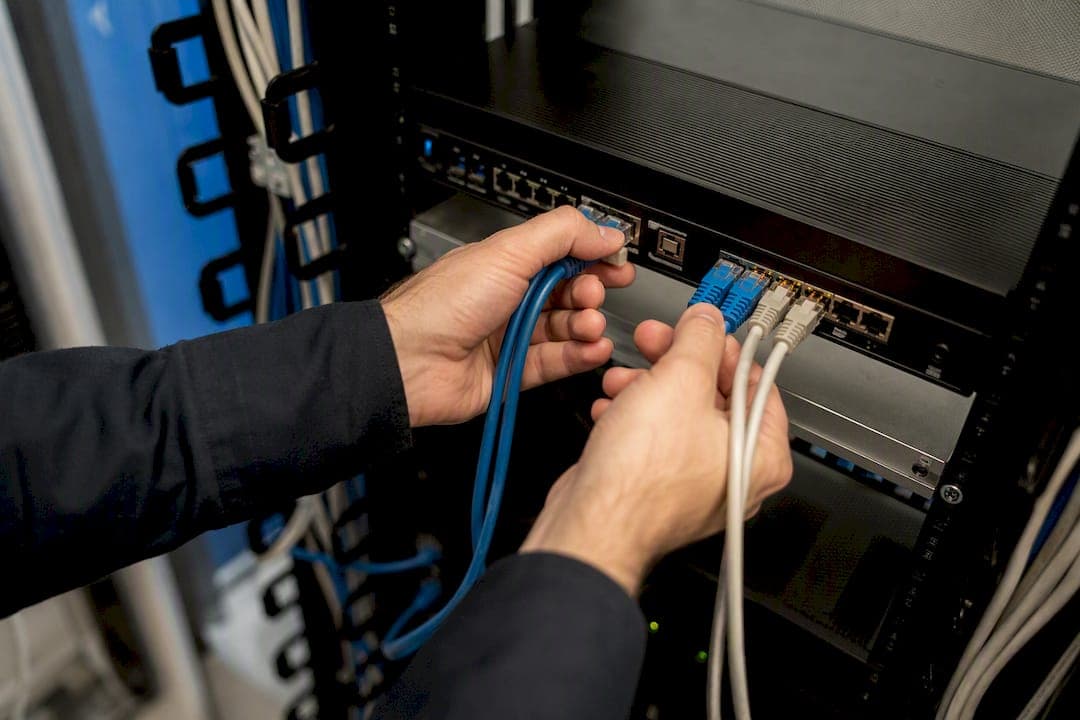
Dual-WAN failover automatically reroutes your network to a backup internet connection when the primary link drops, and for most small offices, it's worth setting up. Expect automatic recovery within seconds to a couple of minutes, but plan for a public IP change and dropped VPN or VoIP sessions unless you also configure bonding. If you're comfortable with router configuration, a mid-range platform like pfSense or UniFi gets you there in an afternoon; if your site has structured cabling, multiple compliance needs, or zero tolerance for misconfiguration, hire a licensed installer.
TL;DR:
- Using distinct probe targets for each WAN and setting failure thresholds around 3 to 5 failed checks significantly improves failover reliability.
- Bonding or persistent-IP failover options help maintain ongoing sessions like VPNs and VoIP during link switches, but require more setup and cost.
- Proper installation, structured cabling, and site surveys reduce false failovers caused by loose connections and physical-layer issues.
- Most SMBs can tolerate 30 to 90 seconds of failover time, but latency-sensitive services like VoIP often need recovery within 10 seconds.
- Monitoring failover events with syslogs and focusing on probe selection and hysteresis strategies prevent common false failover issues.
Table of Contents
- What Happens During Dual WAN Failover?
- What Do You Need for Reliable WAN Failover?
- How Do You Configure Failover on Common Platforms?
- How Should You Test and Monitor Failover?
- What Mistakes Cause False Failovers?
- When Should You Bring In a Professional Installer?
- The Real Gap in Most Dual-WAN Advice
- Get a Resilient Dual-WAN Setup Installed Right
- Sources
What Happens During Dual WAN Failover?
A failover event starts with a health check, not a link-down signal. Most gateways don't actually know when their upstream ISP has an outage somewhere past the modem, so they rely on active probes, pinging a remote IP on a schedule and judging the WAN dead after a set number of failed responses. This is why gateway-only monitoring produces false positives: your local interface can show "up" while the ISP's backhaul is broken three hops away.
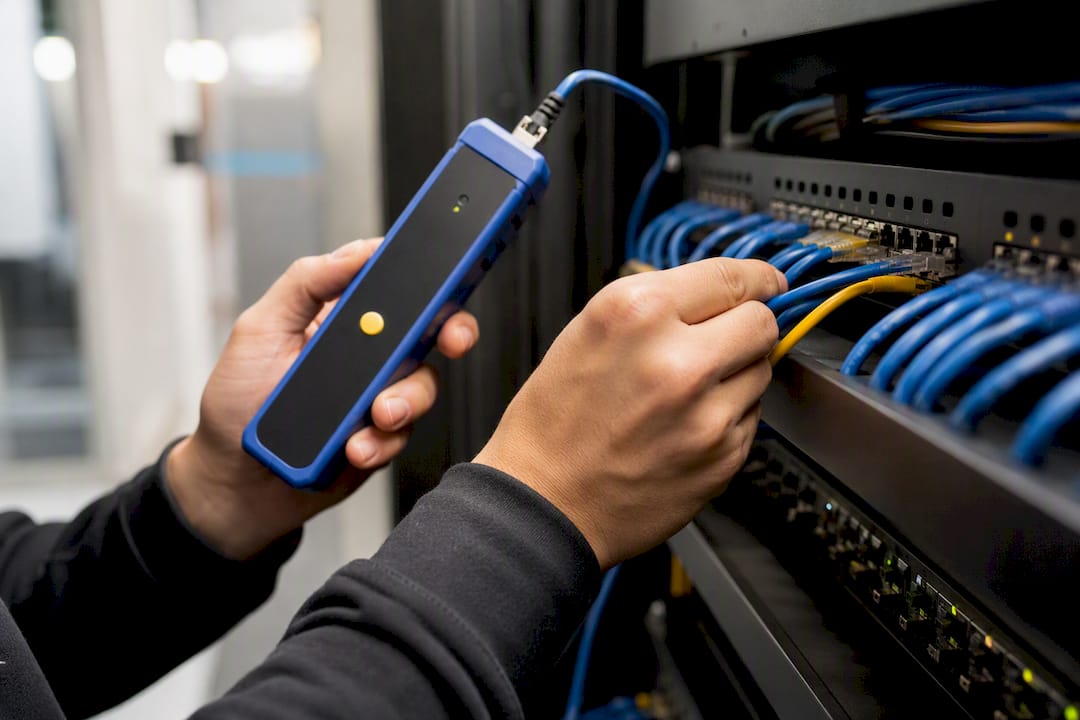
Once a probe confirms failure, the router or firewall pulls the failed WAN from its active routing set. Platforms handle this differently: some use gateway groups with priority tiers, some use policy-based routing per source or destination, and RouterOS on MikroTik gear can use recursive routing that points a default route at a remote IP resolved through the primary gateway, removing the route entirely when that IP stops responding.
The part that trips people up is connection state. Every active TCP session, your VPN tunnel, your VoIP call, your remote desktop session, lives in a NAT table tied to a specific public IP. Switch WANs and that IP changes, so existing sessions typically reset even though the network itself recovers cleanly.
- Cold failover (most common): fast, cheap, changes your public IP, breaks live sessions.
- Bonding or persistent-IP failover: tunnels traffic through a stable external IP so sessions survive, at the cost of more setup complexity and often a subscription fee.
What Do You Need for Reliable WAN Failover?
You need three things: a multi-WAN capable router or firewall, a genuinely independent backup circuit, and probe targets that actually test the internet rather than your own hardware.
The backup link matters more than people assume. NBN plus a 4G LTE failover router works well for most offices, but the LTE modem needs its own SIM on a different network path, not just a second port on the same fiber node. Rural sites often pair NBN with Starlink, since satellite and fixed-line failures rarely happen at the same time.
For probe targets, avoid the trap of pinging the same address on both WANs. If that address happens to be an anycast IP served from a nearby node, both links can appear healthy even when one is actually degraded. Use distinct, stable targets per WAN, mixing large public resolvers with a regional IP that won't move.
- Two to three probe targets per WAN, mixing ICMP and DNS checks
- A down threshold of roughly 3-5 consecutive failed checks before switching
- A latency or packet loss trigger, not just a hard down/up signal, for services sensitive to jitter
Pro Tip: Run one probe target through a completely different upstream provider than either of your WANs. If that third-party target is unreachable, the problem is likely your monitoring host, not your internet.
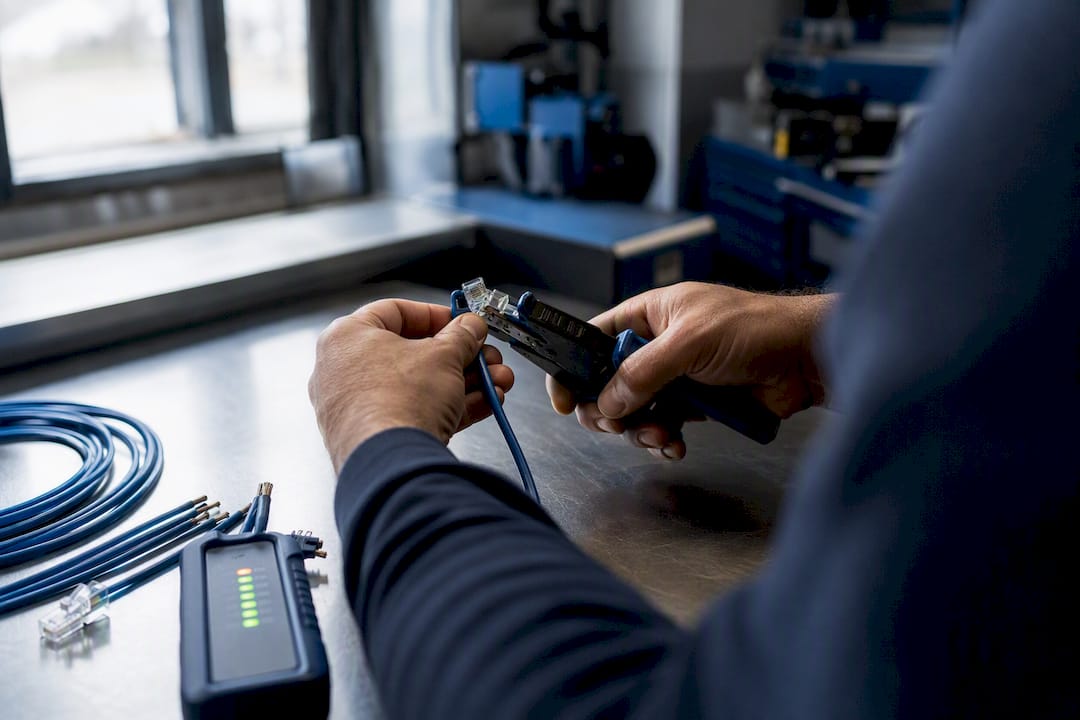
Loose cabling and poorly terminated ports cause more false failovers than bad ISP links do. Professional installation and cable testing at commissioning time eliminates a huge chunk of the "flapping" complaints IT teams chase for months.
How Do You Configure Failover on Common Platforms?
Every platform follows the same logic: detect, route, fail back carefully. The syntax differs a lot.
- Generic router GUI (ASUS, TP-Link, and similar): enable Dual WAN or Failover mode in the network settings, assign primary and secondary interfaces, set monitoring IPs for each WAN's automatic network detection, and leave the failback option off until you've confirmed stable behavior over a few days.
- UniFi: distinguish Failover mode from Load Balancing in the WAN configuration, since they behave very differently under load. Set dedicated verification servers per WAN and configure custom SLA thresholds rather than relying on defaults.
- pfSense/OPNsense: this is the deepest control of the group. Configure dpinger per gateway, build a Gateway Group with tiered priorities, and choose your trigger level, Member Down versus packet loss versus a combined threshold. Set the default gateway to the group, not a single interface, and apply the group to your LAN firewall rules.
- RouterOS/MikroTik: standard
distancepluscheck-gateway=pingworks for basic setups, but recursive routing solves the false-positive problem that plain gateway checks can't, since it tests reachability past your own router. - Linux/OpenWrt: mwan3 handles most SMB needs with interface tracking and policy rules. For teams that need faster reaction times, an event-driven approach using NetworkManager can detect a dead uplink in under five seconds, though it demands more careful conntrack handling than a polling-based tool.
Failback deserves as much attention as failover. A primary link that flickers back to life for thirty seconds and then drops again will bounce your whole network if your success window is too short.
How Should You Test and Monitor Failover?
Test failover on a maintenance window, never live. The safest method: physically disconnect or disable the primary WAN interface at the router, not the modem, so you're testing the failover logic rather than just an outage.
- Disable the primary WAN and time how long the switch takes.
- Check the routing table and confirm the gateway group or route change actually occurred.
- Watch NAT/conntrack entries to see which sessions dropped versus which recovered.
- Reconnect the primary and confirm failback happens smoothly, not repeatedly.
- Test VPN tunnels separately, since they often need a manual reconnect even after routing recovers.
For production monitoring, pull dpinger or gateway logs into a syslog target and alert on failover events specifically, not just link status. Track failover count and duration as your two core metrics. A well-tuned event-driven Linux setup reports failover latency in the 4 to 6 second range, which is a reasonable benchmark if your business runs latency-sensitive services like VoIP.
Set an acceptance standard before you deploy: most SMBs can tolerate 30 to 90 seconds of failover time for general browsing, but VoIP and point-of-sale systems usually need something closer to that sub-10-second range.
What Mistakes Cause False Failovers?
Most failover complaints trace back to three causes: aggressive thresholds, shared probe targets, and IPv6 blind spots.
Set conservative hysteresis. A short down-count catches real outages fast but also reacts to a single dropped packet during normal congestion. A longer success window before failback prevents the primary link from yanking traffic back and forth if it's intermittently flapping rather than fully down.
- Use different probe IPs per WAN, never the same anycast address on both
- Prefer packet-loss or combined latency triggers over a hard up/down signal for latency-sensitive traffic
- Treat IPv6 separately: each ISP typically delegates its own prefix, so failover changes your routed IPv6 block and breaks existing IPv6 sessions unless you've built in prefix translation
- If your business runs a hosted phone system, a payment terminal, or anything else where a dropped session is unacceptable, cold failover isn't the right tool. Bonding or a managed persistent-IP service is the correct answer, not a tighter threshold.
Pro Tip: If you keep seeing brief failovers during peak evening hours, check for ISP congestion before you touch your thresholds. Tightening sensitivity won't fix a link that's genuinely saturated.
When Should You Bring In a Professional Installer?
Djcengineering sees the same handful of scenarios repeatedly: small offices running NBN with an LTE backup router, rural properties pairing Starlink with NBN for failover, and AV or security installations where a dropped connection means a lost recording or a missed alert.
What separates a clean install from a flaky one usually comes down to groundwork. Site surveys catch weak signal spots before they become intermittent failovers months later, and proper structured cabling removes the physical-layer noise that triggers false switches. Djcengineering commissions every managed appliance on site rather than shipping a pre-configured box, which is part of why the team holds a 98% first-visit fix rate on service calls.
Before hiring anyone for a dual-WAN install, ask:
- Do you monitor failover events after commissioning, or is this a set-and-forget install?
- What's the failback and threshold configuration, and can I get documentation?
- Is there a maintenance agreement if my ISP or hardware changes?
The Real Gap in Most Dual-WAN Advice
Most guides treat failover as a checkbox: enable dual WAN, pick a backup link, done. That's how you end up with a network that "works" in testing and then flaps every time a neighbor's construction crew hits fiber during peak traffic.
The advice that actually matters is boring: spend more time on probe selection and hysteresis than on which router brand you buy. A $400 router with well-chosen, non-anycast probe targets and a sane failback window will outperform a $2,000 firewall running default settings. Vendors rarely emphasize this because it doesn't sell hardware.
The second gap is session persistence. Plenty of setup guides walk through enabling failover and stop there, leaving business owners to discover during a real outage that their VoIP system dropped every call. If your business depends on live sessions, that conversation about bonding versus cold failover needs to happen before installation, not after the first outage exposes the gap.
Prioritize monitoring and probe design first. The router mode you pick matters less than most vendors imply.
— Dylan
Get a Resilient Dual-WAN Setup Installed Right
Reading the configuration steps above is one thing. Getting probe targets, hysteresis, and cabling right on the first visit is another, and it's where most self-installed setups quietly fail months later. Djcengineering designs, installs, and commissions dual-WAN and multi-WAN systems across South East Queensland, pairing NBN, Starlink, and 4G/5G backup links with the structured cabling and managed hardware that keep failover triggers accurate instead of jumpy.

A typical engagement starts with a site survey to map cabling routes and signal conditions, followed by a fixed-scope quote covering hardware, install, and commissioning, with the appliance configured and tested on-site rather than shipped pre-set. If your office, rural property, or commercial site needs a network that keeps running when one connection drops, visit the Djcengineering networking page to request a quote for your setup.
Sources
- Dual-WAN failover on pfSense/OPNsense
- The Definitive Guide to Multi-WAN Internet - Waveform
- linux-dual-wan-failover (GitHub)
- How to Configure MikroTik Dual-WAN Failover Using Recursive Routing - Tech Junction
Recommended
- Commercial Network Cabling Brisbane: The Engineered Backbone of Modern Business in 2026
- Commercial WiFi Systems: Engineering High-Performance Networks for QLD Businesses
- Professional WiFi Design & Installation: Engineering Seamless Connectivity in SE QLD
- Commercial WiFi Design Brisbane: The Master Technician’s Guide to Business Connectivity