
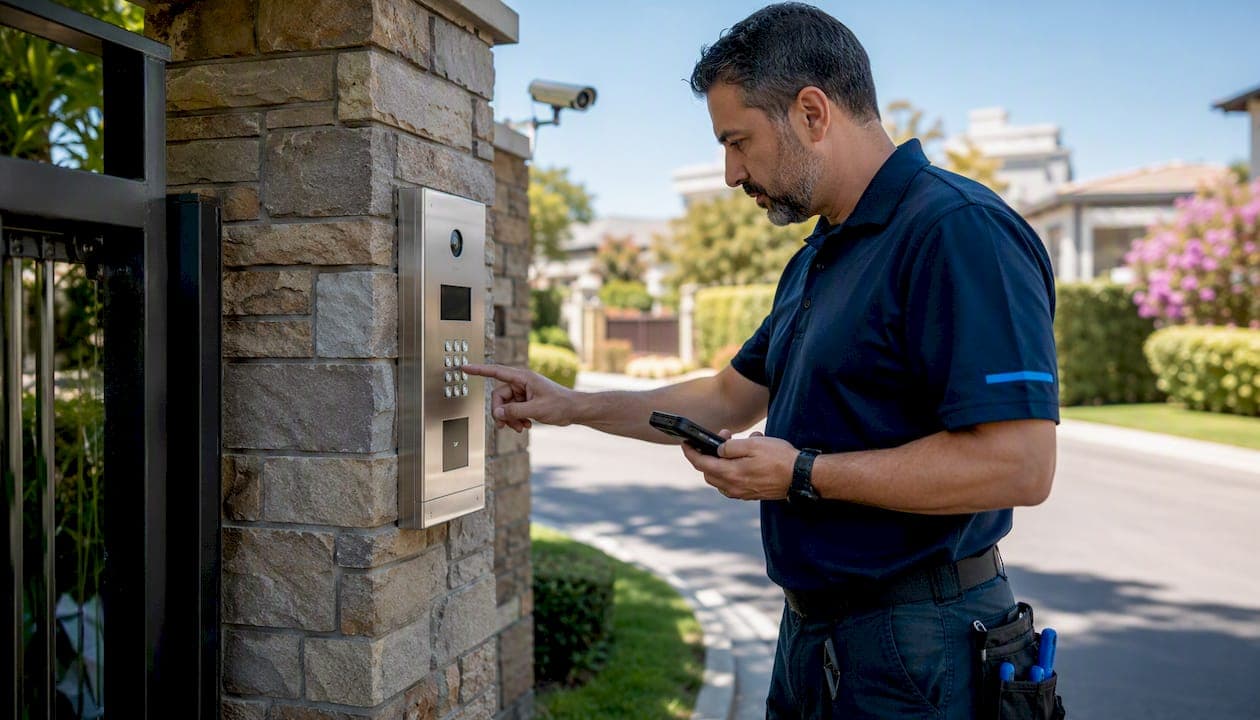
Gate access control is the combination of a gate operator, credential reader, access controller, and management software that decides who enters your property and keeps a record of every event. The recommended approach in 2026 is a cloud-managed, installer-supplied system that supports mobile credentials and time-limited visitor tokens — not a consumer keypad bolted to a post.
Three facts worth knowing before you spend a dollar:
- Mobile credentials tie each entry to a unique, auditable identity, which reduces the security risk that comes with shared PINs and cloned fobs.
- Outdoor-rated hardware rated IP66 or higher survives rain, dust, and temperature swings that kill consumer-grade equipment within a season or two.
- Residential WiFi at the gate is one of the most common causes of intermittent lockouts; professional installations use structured cabling or enterprise wireless links instead.
Your immediate next steps:
- Commission a site survey to map cable runs, power sources, and gate traffic volumes.
- Decide wired versus wireless based on gate distance from the building and available conduit.
- Shortlist at least three licensed, bonded installers with documented gate operator experience.
- Confirm the system supports cloud administration, mobile credentials, and visitor pass issuance before signing anything.
Table of Contents
- How gate access control systems work
- What access methods are available, and which fits your site?
- Wired versus wireless: what actually matters for your installation
- Which gate operators are most reliable?
- Integrating your gate with CCTV, alarms, and cloud management
- What does gate access control actually cost?
- How to choose an installer and what to ask before you sign
- What the research actually says about gate security
- Key Takeaways
- The case for getting the gate right the first time
- Djcengineering handles gate access from survey to commissioning
- Useful sources
How gate access control systems work
Every gate entry system, regardless of price, runs the same sequence: a credential is presented to a reader, the reader passes the signal to an access controller, the controller checks its rules and triggers the gate operator, and the operator moves the gate. What separates a $800 residential kit from a $15,000 commercial installation is the quality of each link in that chain.
Core components:
- Access reader: The device the user interacts with — keypad, RFID reader, camera-based intercom, or mobile Bluetooth/NFC panel. Reader placement and weatherproofing matter as much as the technology inside.
- Access controller: The brain. It stores credential rules, logs events, and sends the open/close signal. Cloud-connected controllers push logs off-site in real time.
- Gate operator (opener): The motor and drive mechanism that physically moves the gate. Swing, slide, and barrier-arm operators each suit different gate types and traffic volumes.
- Locking mechanism: Magnetic locks, electric strikes, or integrated operator locks hold the gate closed when power is present. Fail-safe versus fail-secure behavior must match your fire and egress code.
- Management software: The admin interface where credentials are issued, logs are reviewed, and alerts are configured. Cloud platforms allow remote management from any browser or phone.
- Network and CCTV integration: Camera feeds tied to gate events give you a visual record of every entry. NVR or cloud video storage keeps footage accessible without a technician on-site.
- Power and backup: A gate that loses power in a storm is a security gap. UPS battery backup and surge protection are non-negotiable for any installation that needs to stay operational 24/7.
Safety and compliance: Automatic gate operators in the US must comply with UL 325, the standard governing entrapment protection, safety edges, and reversing sensors. ADA compliance affects pedestrian access points adjacent to the gate — ADA door hardware requirements apply wherever a person with a disability needs to pass through independently. Both standards affect design choices before a single cable is pulled.
Outdoor-rated access hardware commonly specifies IK10 vandal resistance and IP66/IP69 ingress protection for durability in harsh environments — ratings that consumer-grade intercoms rarely meet.
What access methods are available, and which fits your site?
The credential type you choose shapes every other decision: cabling, reader hardware, visitor workflow, and audit capability. Most modern systems support several methods simultaneously, which is worth using.
| Access Method | How It Works | Best For | Key Trade-off |
|---|---|---|---|
| PIN keypad | User enters a code | Simple residential, low-traffic | Shared codes are hard to audit; rotate frequently |
| RFID / key fob | Proximity card or fob triggers reader | HOAs, multi-family, staff gates | Fobs can be cloned; lost fobs need immediate deactivation |
| Mobile app (BLE/NFC) | Smartphone credential via Bluetooth or NFC | Commercial, managed residential | Requires smartphone; app must stay updated |
| Video intercom with camera | Visitor calls resident or guard; gate opens remotely | Staffed gates, luxury residential, multi-family | Needs reliable network; camera quality matters |
| License-plate recognition | Camera reads plate; controller cross-references database | High-throughput commercial, parking | Higher cost; plates can be obscured or duplicated |
| QR / PIN visitor pass | Time-limited code issued via SMS or email | Delivery drivers, short-term guests | Passes expire automatically; no hardware needed for visitor |
Use-case guidance: A single-family home usually needs nothing more than a video intercom for gate entry paired with a mobile app for residents. Multi-family communities benefit from RFID for residents and QR visitor passes for guests, with a cloud dashboard the property manager controls remotely. High-throughput commercial loading docks often combine license-plate recognition for known vehicles with a staffed intercom for exceptions.
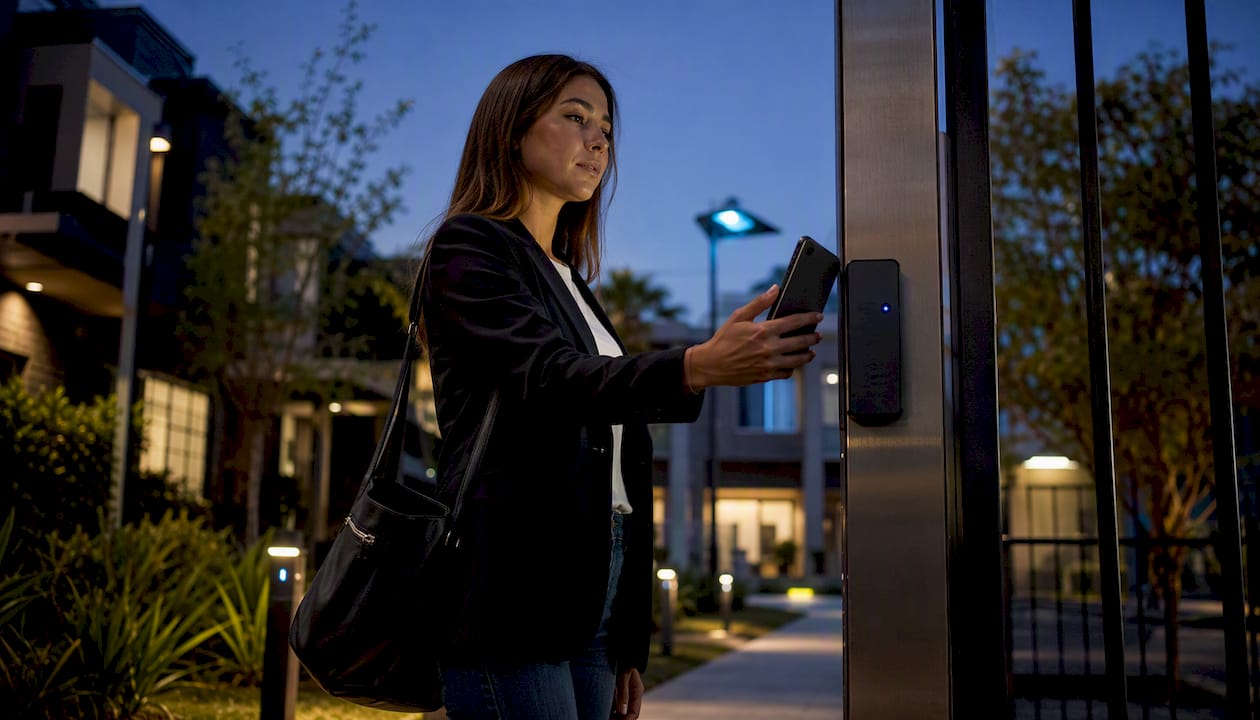
Pro Tip: Pair mobile credentials with time-limited QR visitor tokens. Residents use their phones; delivery drivers and contractors get a code that expires automatically. You get a full audit trail for both without managing a fob inventory.
Wired versus wireless: what actually matters for your installation
The choice between wired and wireless is mostly a function of distance, existing conduit, and how much downtime you can tolerate. Neither is universally better.
Wired (structured cabling and PoE):
- Consistent, low-latency connection between reader, controller, camera, and NVR.
- PoE (Power over Ethernet) simplifies installation by carrying power and data on a single cable.
- Requires conduit runs, which add cost and time but last decades with minimal maintenance.
- Best for gates within 300 feet of the building's network infrastructure.
Wireless (cellular LTE, long-range point-to-point):
- Cellular-enabled intercoms provide calling, video streaming, and cloud sync without a fixed internet connection — practical for rural gates where trenching is prohibitively expensive.
- Long-range point-to-point wireless links (900 MHz or licensed microwave) bridge distances up to several miles with enterprise-grade reliability.
- Local keypad codes on cellular units continue working during short outages, preserving access even when the network drops.
The residential WiFi trap: Practitioners consistently flag consumer WiFi as insufficient for gate connectivity. A 2.4 GHz router inside the house rarely delivers stable throughput to a gate 150 feet away, especially through walls and landscaping. The result is intermittent video, delayed unlock commands, and frustrated residents.
Installation checklist items affected by connectivity choice:
- Conduit sizing: run at least 1-inch conduit even if you only need one cable today — future upgrades are far cheaper.
- Surge protection: gate-side equipment is exposed to lightning; install a surge protector on every cable entering the controller.
- Grounding: proper earth grounding prevents equipment damage and reduces interference.
- Backup power: size the UPS for at least 4 hours of gate operation during a power outage.
- Network VLANs: isolate gate and camera traffic from the main LAN to limit exposure if a device is compromised.
- Cellular signal check: before specifying a cellular unit, verify carrier signal strength at the gate post with a phone — not from the driveway.
Which gate operators are most reliable?
The operator is the component that fails most visibly and most expensively. A motor that burns out after two years of heavy use costs more in emergency callouts than the premium you saved buying a cheaper unit.
What to evaluate:
- Duty cycle: Residential operators are typically rated for 15–20 cycles per day. A multi-family community gate that opens 200 times daily needs a commercial-duty operator rated accordingly.
- IP and IK ratings: IP66 keeps out heavy rain and dust jets; IP69 handles high-pressure washdowns. IK10 means the housing withstands 20 joules of impact — relevant for gates in high-vandalism areas.
- Torque and drive quality: Worm-gear and rack-and-pinion drives handle heavier gates more reliably than belt drives. Match the operator's torque rating to the gate's actual weight, not the manufacturer's maximum.
- Materials: Powder-coated aluminum or galvanized steel housings outlast painted mild steel in coastal or humid climates.
- Native controller integration: An operator that communicates directly with the access controller (rather than through a relay hack) allows the system to detect tailgating, monitor gate position, and trigger alarms on prop-open events.
- UL 325 compliance: Any automatic gate operator sold in the US must meet UL 325 entrapment protection requirements. Verify this before purchase — non-compliant operators create liability.
Maintenance schedule: Lubricate drive components every 6 months, inspect safety edges and reversing sensors quarterly, and check all electrical connections annually. Most professional-grade operators carry a 3–5 year parts warranty when installed by a certified technician. Budget for a full drive replacement at the 8–12 year mark under normal commercial use.
Integrating your gate with CCTV, alarms, and cloud management
A gate that operates in isolation is a single point of failure. Treating the gate as part of a broader property security strategy — connected to cameras, alarms, and a central management platform — means a gate event triggers a coordinated response rather than a silent log entry nobody reads until after an incident.
Integration patterns that work:
- Gate open event → camera captures a timestamped clip → clip stored in NVR or cloud video platform.
- Forced-open or prop-open alert → alarm panel triggers → security team notified via app.
- Single access directory manages gates, doors, and elevators so credential changes propagate everywhere instantly.
- Cloud administration lets property managers issue visitor passes, revoke credentials, and review entry logs from any device, without waiting for a technician.
For a deeper look at how gate systems tie into commercial alarm infrastructure, the professional alarm systems guide covers the integration logic in detail.
Security best practices:
- Use encrypted credentials (OSDP or similar protocol) rather than legacy Wiegand, which transmits in the clear.
- Enable prop-open alerts with a configurable timeout (typically 30–60 seconds).
- Assign role-based admin access so a leasing agent can issue visitor passes but cannot delete audit logs.
- Keep firmware current — gate controllers are network-connected devices and carry the same patch obligations as any other networked hardware.
- Segment gate and camera traffic on a dedicated VLAN, separate from office or resident networks.
- Audit access logs monthly; look for credential use outside normal hours as an early indicator of misuse.
Pro Tip: Visitor management and access control are distinct functions. Advanced platforms integrate both so a visitor's temporary pass is logged with the same accountability as a resident credential — making incident investigation a matter of filtering a single dashboard rather than cross-referencing two systems.
What does gate access control actually cost?
Budget ranges vary widely because scope varies widely. A basic residential keypad on a driveway gate and a multi-gate commercial campus with cloud video intercoms are both "gate access control" — they just have almost nothing in common in terms of hardware, cabling, or commissioning time.
Rough cost ranges by scope:
- Simple residential keypad or RFID reader: $800–$2,500 installed, including the operator, reader, and basic controller. No video, no cloud management.
- Residential or small HOA video intercom with cellular: $3,000–$7,000 installed. Includes a camera-equipped intercom, cloud admin, and mobile app access for residents.
- Multi-family or commercial cloud video intercom system: $8,000–$25,000+ depending on gate count, cabling distance, camera count, and integration with existing alarm or BMS systems.
- High-throughput commercial with LPR and managed access: $20,000–$60,000+ for large campuses with multiple lanes, license-plate recognition, and enterprise cloud management.
Typical installation timeline:
- Site survey and design: 1–3 days.
- Permit application (where required): 1–4 weeks depending on jurisdiction.
- Groundwork and conduit: 1–3 days for a single gate; longer for multi-gate sites.
- Hardware installation and wiring: 1–2 days per gate.
- Commissioning, credential setup, and testing: 1–2 days.
- Final inspection (where required): scheduled after commissioning.
Permit and compliance notes: Many US jurisdictions require an electrical permit for gate operator installation, and some require a separate low-voltage or alarm contractor license for the access control wiring. ADA compliance affects pedestrian bypass gates. Check with your local building department before work starts — a permit pulled after the fact is always more expensive than one pulled upfront.
Cloud-based systems can reduce per-gate hardware costs at scale by using posted QR signs for unmanned access points rather than installing a full intercom at every location — a practical option for secondary pedestrian gates in large commercial facilities.
How to choose an installer and what to ask before you sign
The installer you choose matters more than the brand of hardware they specify. A mediocre product installed correctly outperforms a premium product installed carelessly, every time.
Selection criteria:
- Licensing and bonding: Verify the contractor holds the appropriate state electrical and/or low-voltage license. Bonding protects you if work is abandoned or substandard.
- Insurance: General liability and workers' compensation coverage are non-negotiable. Ask for certificates, not promises.
- Gate operator experience: Access control installers who have never commissioned a gate operator are a different trade from those who have. Ask for specific gate projects, not just door access.
- Structured cabling capability: Gate systems that rely on the installer subcontracting the cabling work introduce a coordination risk. Single-contractor delivery is cleaner.
- Warranty and SLA: What is the parts warranty? What is the labor warranty? What is the response time for a gate that won't open?
- Local references: Ask for two or three completed gate projects in your area and call those clients.
Questions to ask every installer:
- What does your site survey include, and will you provide a written scope before quoting?
- How do you handle backup power, and what is the gate's behavior during a power outage?
- Does the system support mobile credentials and time-limited visitor passes out of the box?
- How does the system integrate with our existing CCTV and alarm panel?
- What is your firmware update policy, and who is responsible for applying patches?
- Are you the installing contractor, or will any work be subcontracted?
Red flags: Quotes delivered without a site visit, no written warranty terms, vague answers about UL 325 compliance, and pressure to decide before the site survey is complete.
Acceptance test checklist:
- Test every credential type (fob, PIN, mobile app, visitor QR) at the gate.
- Trigger a prop-open alert and confirm the notification reaches the designated contact.
- Review the event log and confirm entries are timestamped and attributed to individual credentials.
- Test the video call quality on the intercom from a mobile device at least 100 feet from the gate.
- Simulate a power outage and confirm the UPS holds and the gate behavior matches the agreed fail-safe or fail-secure setting.
- Confirm firmware versions are current on all networked devices.
For a detailed commissioning checklist specific to access control installations, the access control installation guide covers the full handover process.
What the research actually says about gate security
The industry consensus on gate access control has shifted meaningfully in the past few years, and the gap between what most residential installations look like and what practitioners recommend is wider than most property managers realize.
Key findings:
- Security professionals recommend moving away from shared PIN codes toward mobile credentials and time-limited visitor tokens. The reason is accountability: a shared PIN tells you the gate opened, not who opened it.
- Cloud-managed administration gives property managers real-time visibility into entry logs and the ability to issue or revoke visitor passes instantly — capabilities that legacy hardware-only systems cannot match without a technician on-site.
- Integrating the gate with cameras and alarms produces coordinated alerts and better incident response. A gate event that triggers a camera clip and an alarm notification is far more useful than a gate event that produces only a log entry.
- Visitor management and access control are separate disciplines, but best practice is a single dashboard that handles both — unified audit trails simplify incident investigation and give residents self-service control over their own guest access.
Implementation tips from practitioners:
- Run structured cabling wherever possible. The upfront cost of conduit pays for itself in avoided service calls.
- For remote or rural gates, cellular-enabled intercoms with local keypad fallback provide the reliability of a wired system without the trenching cost.
- Integrate the operator natively with the access controller — relay-based workarounds prevent the system from detecting tailgating or monitoring gate position accurately.
Pro Tip: For commercial properties managing multiple entry points, look for a cloud platform that supports a single access directory across gates, doors, and elevators. Credential changes propagate everywhere at once, which eliminates the gap that appears when a terminated employee's fob still works on the gate after their door access is revoked.
Key Takeaways
A professionally installed, cloud-managed gate access system with mobile credentials and integrated CCTV delivers security and auditability that no consumer keypad can match.
| Point | Details |
|---|---|
| Start with a site survey | Map cable runs, power sources, and daily traffic volume before specifying any hardware. |
| Choose wired where possible | Structured cabling and PoE outperform residential WiFi for gate reliability; use cellular only where trenching is impractical. |
| Require mobile credentials and visitor tokens | Shared PINs cannot be audited; mobile credentials and time-limited passes tie every entry to an identity. |
| Integrate gate with CCTV and alarms | Gate events should trigger camera clips and alarm notifications for coordinated incident response. |
| Djcengineering delivers single-contractor installation | Accredited design, cabling, operator install, and cloud commissioning in one fixed-scope engagement. |
The case for getting the gate right the first time
Most gate access problems I see in the field trace back to one of two decisions made early: choosing the cheapest operator available, or relying on the building's existing WiFi to carry the gate's connectivity. Both feel like reasonable shortcuts at the time. Both tend to produce service calls within 18 months.
The conventional wisdom says wireless is "good enough now." And for some sites, it is. But the threshold for "good enough" is higher than most people assume. A gate that drops its connection twice a week is not a minor inconvenience — it is a security gap and a resident complaint waiting to happen. The properties that avoid this problem are the ones where someone ran conduit during the initial build, even when it felt like overkill.
On the credential side, the shift toward mobile credentials is not just a convenience upgrade. It is a fundamental change in how accountability works. When every entry is tied to a named identity rather than a shared code, incident investigation drops from hours to minutes. Property managers who have made the switch rarely want to go back.
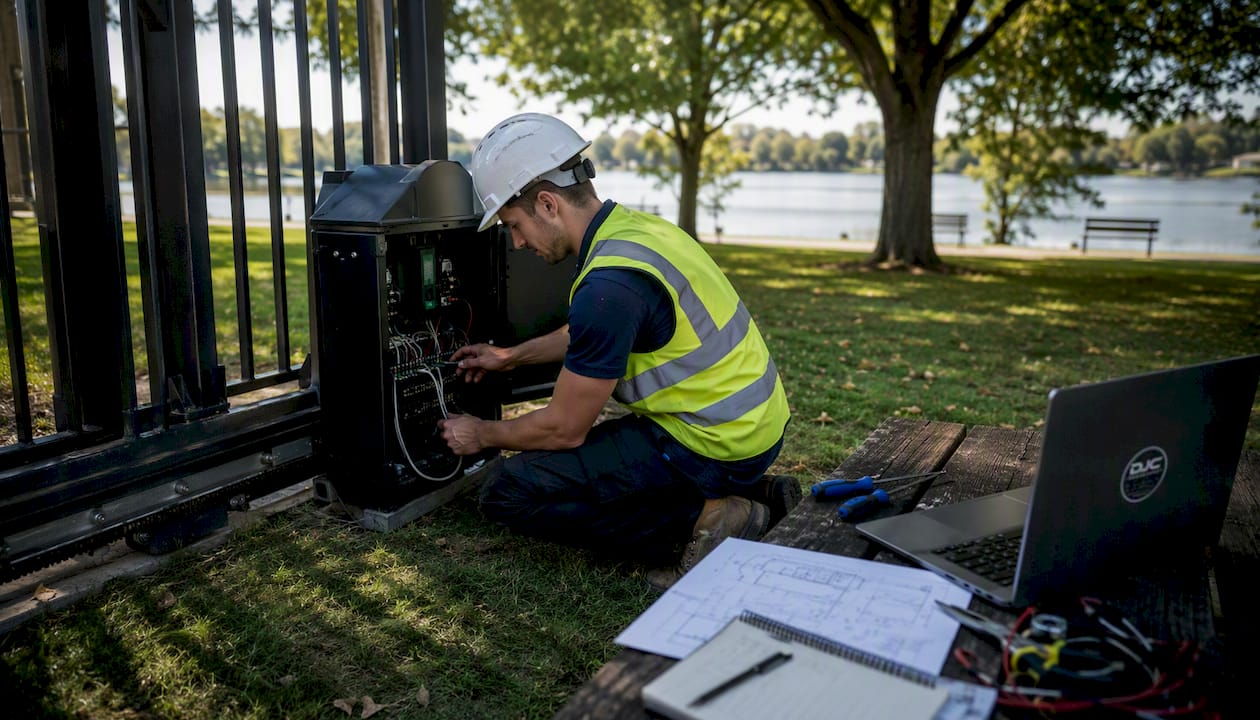
The other thing worth saying plainly: the gate operator is not a commodity. The difference between a commercial-duty operator with native controller integration and a residential unit with a relay hack is not visible on day one. It shows up at month 18, when the relay fails at 2 AM and the gate is stuck open.
Get the site survey done properly, specify hardware that matches actual traffic volume, and hire a contractor who can pull the cabling and commission the controller in a single engagement. The upfront cost difference is real. The long-term maintenance difference is larger.
Djcengineering handles gate access from survey to commissioning
Djcengineering designs and installs complete gate access systems for homes, businesses, and rural properties across South East Queensland — structured cabling, gate operator installation, cloud-connected intercoms, CCTV integration, and ongoing support, all delivered by accredited technicians without subcontractors.

A very high first-visit fix rate matters most when a gate fails at an inconvenient hour. Djcengineering scopes every job with a proper site survey, specifies hardware matched to your traffic volume and environment, and commissions the full system before handing over. That includes cloud admin setup, mobile credential enrollment, visitor pass configuration, and integration with your existing cameras or alarm panel.
Ready to get a fixed-scope quote? Request a site survey from Djcengineering and ask for written warranty terms and evidence of licensing at the same time.
Useful sources
- AMAROK — Gate access control overview and security guidance: Covers credential best practices, UL 325 operator compliance, and tailgating prevention — useful for security planning and operator selection.
- Kastle — Gate access control: Securing entry points for businesses: Explains the integration rationale for treating gates as part of a broader security architecture; practical for commercial property managers.
- Gate Sentry — Community gate access systems: Covers connectivity pitfalls, visitor management versus access control distinctions, and cloud approaches that reduce per-gate hardware costs.
- CellGate — Watchman video intercom overview: Details on cloud administration, visitor pass issuance, and cellular intercom capabilities for remote or rural installations.
- CellGate Watchman W450 product detail: Specifications for a cellular LTE video intercom supporting QR/PIN visitor passes and sequential calling groups.
- Axis I8016-LVE specification: Example of outdoor-rated access hardware with IK10 and IP66/IP69 ratings — useful for evaluating reader and intercom durability specs.
- ADA door hardware requirements — Miami-Dade compliance guide: Practical reference for ADA hardware obligations at pedestrian access points adjacent to automated gates.
Recommended
- Access Control System Installation Brisbane: Engineering Secure Entry Points for 2026 | DJC Engineering
- Commercial Access Control Systems Gold Coast: A Technical Guide to Industrial Security | DJC Engineering
- Security Systems Gold Coast: The 2026 Buyer’s Guide to Integrated Protection | DJC Engineering
- Commercial Alarm Systems: A Technical Guide for Gold Coast Businesses in 2026 | DJC Engineering