
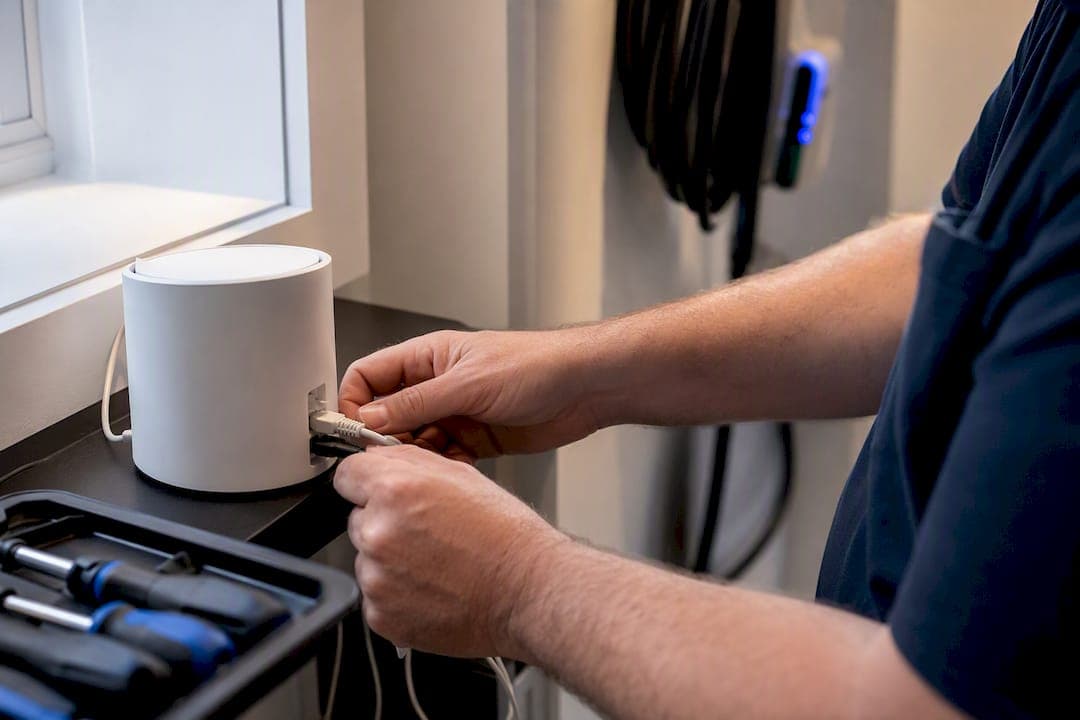
A basic mesh WiFi setup in Australia runs from around $150 for a DIY starter kit to several thousand dollars for a premium system with professional installation and in-wall cabling. Most three-bedroom homes land in the middle with costs varying depending on kit choice and labor hours. DIY suits simple homes with clear sightlines between rooms; a pro install earns its cost in larger, multi-level, or brick and concrete homes, or where you're connecting to NBN, Starlink, or a CCTV system. Readers in South East Queensland can get a scoped quote from Djcengineering if they want it done once, correctly.
TL;DR:
- Professional installation costs in Australia typically range from $100 to $500 for residential properties, with larger or more complex setups reaching up to $5,000.
- Mesh kit prices vary from $150 for basic dual-band systems to over $1,200 for advanced Wi-Fi 6E or Wi-Fi 7 systems, depending on hardware features and backhaul options.
- A site survey and proper placement can significantly reduce the number of nodes needed, especially in brick or concrete homes, saving money and improving network performance.
- DIY installation suits small, open-plan homes under 150 square meters, but larger or multi-story homes benefit from professional setup, particularly when wired backhaul or integration with existing systems is required.
- Including contingencies of 10 to 20 percent in quotes helps cover hidden costs such as extra cabling, relocating outlets, or additional nodes during the installation process.
Table of Contents
- What Does Mesh WiFi Installation Actually Cost?
- Should You Install Mesh WiFi Yourself?
- How Many Mesh Nodes Does Your Home Actually Need?
- What Happens During a Mesh WiFi Installation?
- How Do You Get an Accurate Mesh WiFi Quote?
- Why Professional WiFi Design Often Pays for Itself
- Get a Scoped Mesh WiFi Quote for Your SEQ Property
- Sources
What Does Mesh WiFi Installation Actually Cost?
The final number on any quote is really five separate line items stacked together: the hardware, any provider add-on fees, labor, cabling, and the extras that quietly inflate a "simple" job into a bigger one.
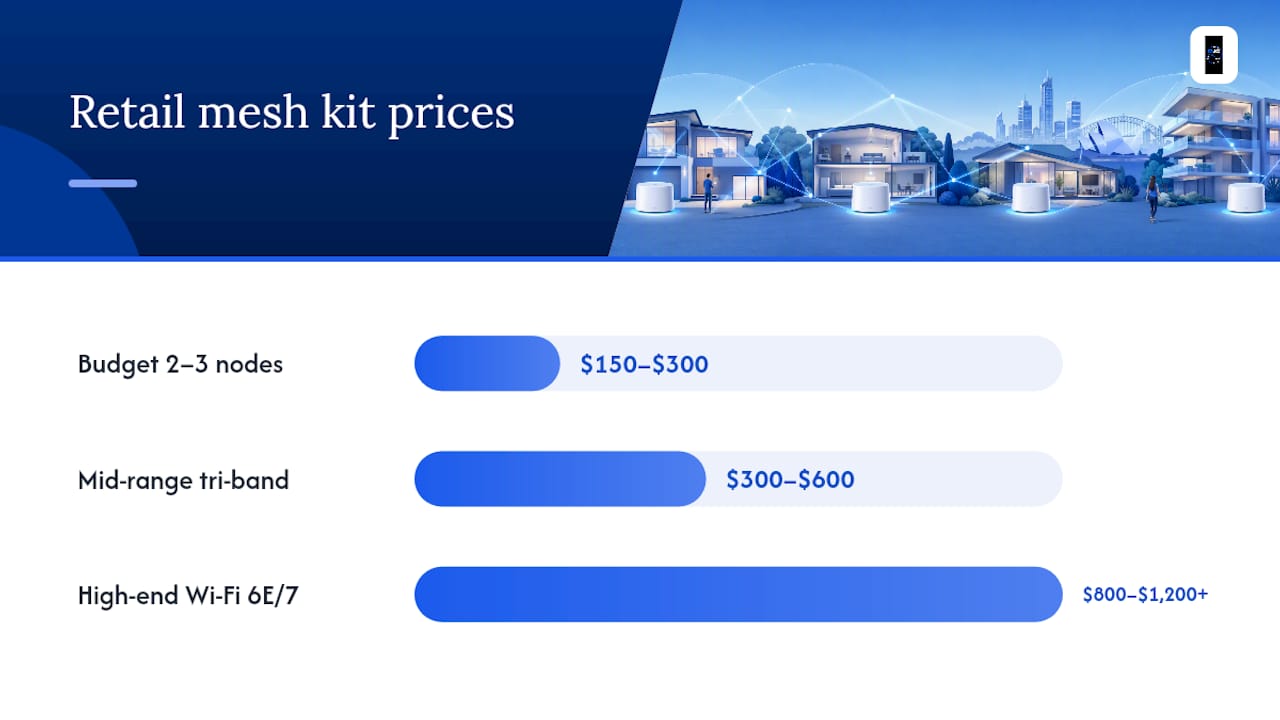
Retail mesh kits vary enormously depending on class. Budget three-packs sit around $150 to $300, aimed at apartments and small homes that just need to kill one dead zone. Mid-range tri-band kits, the sort most Australian households end up buying, run $300 to $600. High-end Wi-Fi 6E or Wi-Fi 7 systems with multi-gig ports and dedicated backhaul bands can push past $800 to $1,200 for a three-node pack. That price gap isn't just marketing. Tri-band and wired backhaul hardware genuinely reduces the speed loss that happens when a signal hops from node to node, which matters if your household is streaming, gaming, and working from home simultaneously.
Some Australian providers sell mesh coverage as a monthly add-on rather than a one-off purchase, similar to how Vodafone's mesh WiFi plan is structured. It looks cheap upfront, but the math flips over time. Buying your own kit is typically the cheaper option over two to three years, and you keep the hardware, even if you switch ISPs later.
Professional installation costs for residential jobs generally sit between $100 and $500 for straightforward placement and configuration. Business-grade jobs with managed switches, comms racks, and multiple access points climb to $1,000 to $5,000. Treat the lower end of that range as a handyman-style setup and the upper end as electrician-grade work involving in-wall cabling and compliance requirements.
Here's how the line items typically add up:
| Cost component | Typical Australian range | Notes |
|---|---|---|
| Budget mesh kit (2 to 3 nodes) | $150 to $300 | Entry level, dual-band, apartments |
| Mid-range mesh kit | $300 to $600 | Tri-band, most 3-bedroom homes |
| High-end mesh kit (Wi-Fi 6E/7) | $800 to $1,200 | Multi-gig, wired backhaul support |
| Provider monthly add-on | ~$4 to $6 per month | Costs more than a kit after 2 to 3 years |
| Basic professional install | $100 to $500 | Placement, config, testing |
| Business/complex install | $1,000 to $5,000 | Multiple nodes, switches, compliance |
| Extra node (retail) | $100 to $300 each | Per additional satellite unit |
| Extended warranty/managed service | Varies by provider | Ongoing support agreements |
A few extras worth budgeting for beyond the headline numbers:
- Extended warranties on premium hardware, often sold separately from the base kit price
- PoE (Power over Ethernet) devices if you're feeding CCTV cameras or access points off the same network
- A small comms rack or managed switch if you're consolidating cabling in one location
Should You Install Mesh WiFi Yourself?
DIY works well in specific, limited scenarios. If you're in an apartment or single-level home under roughly 150 square meters with plasterboard walls and a fairly open floor plan, a mid-range kit and 30 to 90 minutes of your Saturday will usually solve the problem.
DIY-friendly signs:
- Single level, open layout, no thick brick or concrete walls between rooms
- One ISP connection point, no need to integrate with Starlink or a security system
- You're comfortable following an app-based setup and repositioning nodes if signal is patchy
Signs it's worth paying a professional:
- Multiple floors, brick veneer, or concrete construction that eats WiFi signal
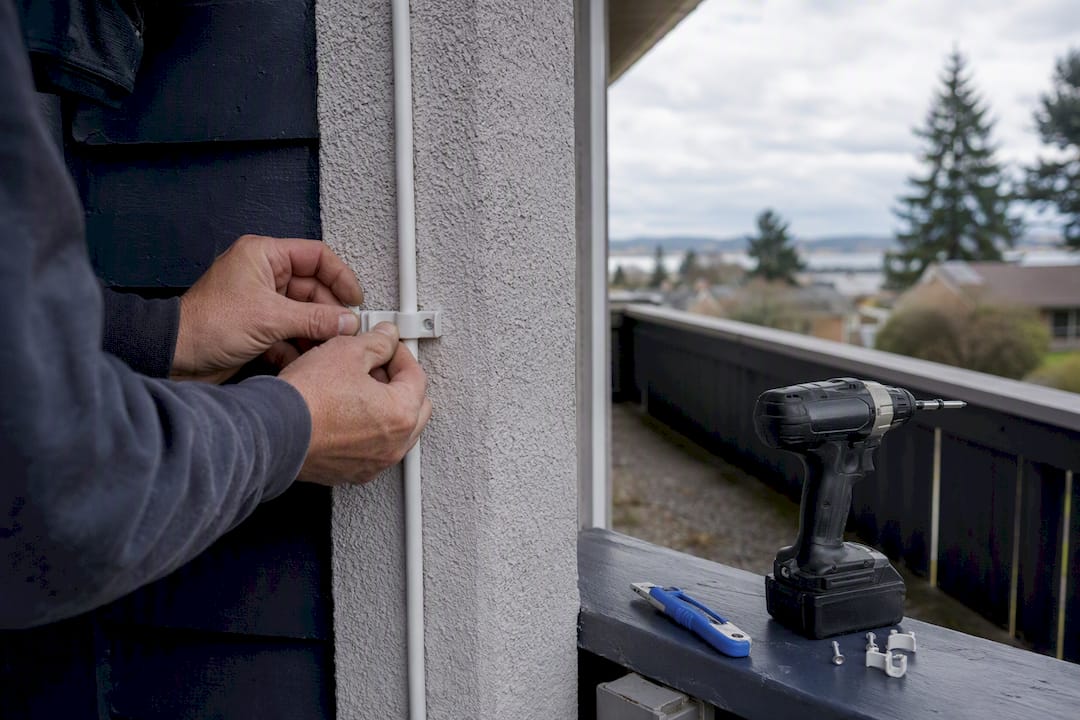
- You need wired backhaul run through walls or ceilings for reliable node-to-node speed
- You're integrating with NBN, Starlink, or an existing CCTV and access control setup
- You want a managed switch or comms rack rather than nodes plugged into random power points
A proper professional install includes a site survey to map dead zones before anyone touches a drill, wired backhaul where it actually improves performance, fine-tuned channel and band settings, documentation of what was installed, and a warranty on the workmanship, not just the hardware.
Pro Tip: Budget an extra 10 to 20% contingency on any professional quote. Hidden costs like an unplanned extra cable run, relocating a power outlet, or adding one more node once the survey reveals a stubborn dead zone are common, not exceptions.
How Many Mesh Nodes Does Your Home Actually Need?
Node count drives cost more than almost any other decision, so getting this right before you buy saves money twice over.
- Small apartment or unit (under 100 square meters): One to two nodes is usually enough, keeping the total kit cost near the $150 to $300 budget band.
- Typical 3-bedroom house: Two to three nodes covers most single or double-story homes, landing in the $300 to $600 mid-range bracket.
- Large home, multi-level house, or big yard: Four or more nodes, which pushes the kit cost into the $600 to $1,200 range once you're buying additional satellites at $100 to $300 each.
Brick, concrete, and double-brick construction, common across Queensland, block signal harder than plasterboard, often forcing an extra node compared to a timber-frame equivalent floor plan of the same size.
What Happens During a Mesh WiFi Installation?
Booking usually starts with either a quick remote questionnaire about your home size and ISP, or an in-person site survey for larger or more complex properties.
- Installer scopes the job: floor plan, construction materials, existing equipment, known dead zones.
- Nodes are placed and tested for signal strength before anything is fixed in place.
- Any required cable runs go in, followed by comms work (switches, patch panels if needed).
- The system is integrated with your NBN or Starlink connection and stress-tested.
- You get a handover: WiFi credentials, a basic network diagram, test results, and warranty terms.
Simple DIY setups take under an hour with app-based tools. Basic professional installs run one to three hours. Premium jobs with cabling can stretch to a full day of work.
How Do You Get an Accurate Mesh WiFi Quote?
The quality of your quote depends heavily on what you hand the installer upfront. Give them a rough floor plan, your connection type (NBN or Starlink), any existing equipment you want to keep, and the specific rooms where WiFi currently drops out.
Then ask direct questions before you sign anything:
- Is a site survey included in the quoted price, or billed separately?
- Are extra cable runs priced as fixed line items, or open-ended hourly work?
- Who actually performs the installation, and is subcontracted labor used?
- What's covered under warranty, and for how long?
Compare quotes line by line rather than by the bottom number alone. A cheaper quote that excludes travel, disposal of old hardware, or activation fees can end up costing more once those show up on the final invoice.
Pro Tip: Get the commissioning process and post-install support terms confirmed in writing, not just verbally quoted. It's the single easiest way to avoid a dispute over what "finished" actually means.
Why Professional WiFi Design Often Pays for Itself
Most mesh problems aren't hardware problems. They're placement problems disguised as hardware problems, which is why a proper site survey changes the economics more than people expect. Djcengineering reports a 98% first-visit fix rate across its installations, largely because the scoping happens before any node goes on a wall, not after a customer calls back frustrated.
The common expensive mistake looks like this: a homeowner buys a premium tri-band kit, gets a mediocre result because one node sits behind a brick chimney breast, then buys yet another node trying to patch the gap. A short site survey, done properly the first time, usually costs less than that second impulse purchase. Reputable installers should hand over a network diagram and test results on completion, not just a working password.
— Dylan
Get a Scoped Mesh WiFi Quote for Your SEQ Property
If you've read this far and you're leaning toward a professional install, Djcengineering gives South East Queensland homeowners and small businesses a straightforward alternative to guessing with hardware from a big-box store: a proper site survey first, a fixed-scope quote second, and installation by Djcengineering's own team, never a subcontractor.

Services cover the full job: site survey and mesh design, in-wall cabling where it's worth it, integration with your existing NBN or Starlink connection, managed switches and comms rack setup for larger properties, and full testing and handover once the work is done. That 98% first-visit fix rate isn't a slogan, it's the direct result of scoping a job properly before drilling a single hole.
If patchy WiFi, black spots, or a half-finished DIY mesh setup is costing you more in frustration than a proper fix would cost in dollars, request a scoped WiFi design and installation quote and get a real number instead of a guess.
Sources
- Wi-Fi Installation Price: Complete Guide (2025)
- The Best Wi-Fi Mesh Network Systems We've Tested for 2026 | PCMag
Recommended
- Professional WiFi Design vs Mesh: Why Your Gold Coast Home Still Has Black Spots
- Professional WiFi Design & Installation: Engineering Seamless Connectivity in SE QLD
- Commercial WiFi Systems: Engineering High-Performance Networks for QLD Businesses
- Commercial WiFi Design Brisbane: The Master Technician’s Guide to Business Connectivity