
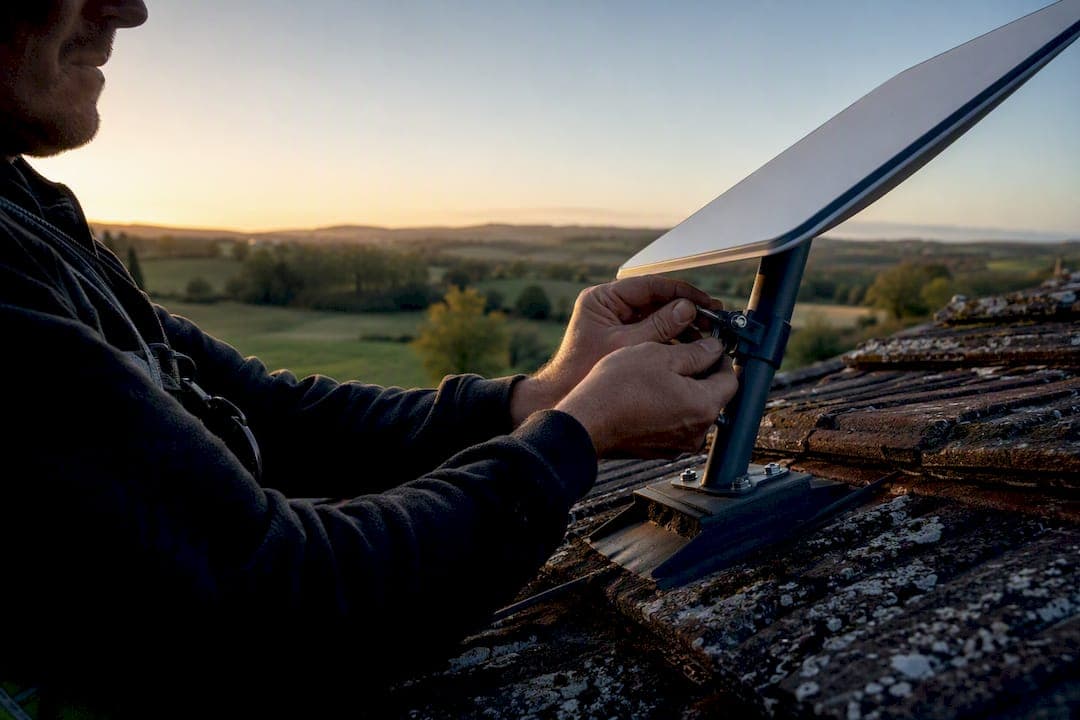
Starlink gives most rural properties reliable broadband where cellular signal drops out and fixed-line internet never arrives, and for the majority of farms it is the strongest backbone available for the farm office, security cameras, and precision-ag systems. It is not automatically the right fit for gear that moves across paddocks all day. Get a proper site survey done first, map what needs a direct connection, and size the plan around your actual data load, not the marketing page.
TL;DR:
- Proper site survey and seasonal sky arc mapping are essential to ensure Starlink maintains a clear view and optimal performance in farm environments.
- For farms with significant data upload needs during harvest or drone operations, the Priority plan or multiple dishes are usually more cost-effective than basic plans.
- Mobile Starlink hardware is necessary for moving equipment, but stationary kits alone often deliver unreliable coverage and should be supplemented with cellular or hybrid setups.
- A professional installation with structured cabling, surge protection, VLANs, and QoS rules greatly reduces troubleshooting and maximizes reliability on a farm.
- Using a dual-WAN setup with both Starlink Priority and cellular failover minimizes downtime for mission-critical systems like telemetry, security, and remote diagnostics.
Table of Contents
- What Can Starlink for Farms Actually Do?
- Which Starlink Plan Fits Your Farm Size?
- How Do You Install Starlink Correctly on a Farm?
- Can Starlink Work on Moving Farm Equipment?
- What Does Starlink Cost for a Farm Setup?
- How Does Starlink Integrate With Farm Machinery Systems?
- What Goes Wrong With Farm Starlink Setups?
- When Should a Farm Hire a Professional Starlink Installer?
- Get Your Farm's Starlink Installed Right the First Time
- Sources
What Can Starlink for Farms Actually Do?
The real value shows up when Starlink connects to hardware you already run, not from raw speed alone. A farm office gets a stable link for accounting software, bank transfers, and supplier orders that used to time out on old satellite plans. Grain-bin sensors and remote alarm systems stay online continuously instead of dropping every time a truck passes near an old wireless bridge.
- Telemetry and remote diagnostics for tractors and harvesters, mirroring how Starlink's John Deere integration pushes real-time machine data back to an operations center.
- Drone imagery uploads for crop scouting, which choke on cellular but move fine over a stable satellite link.
- Live CCTV and alarm monitoring across sheds, yards, and remote gates.
- Video calls with agronomists, vets, or equipment technicians without the call dropping mid-diagnosis.
This is where "starlink for farms" moves from buzzword to operational tool: it becomes the backbone every other system leans on, an example of how rural connectivity for QLD properties has shifted from a nice-to-have to core infrastructure.
Which Starlink Plan Fits Your Farm Size?
Plan choice comes down to how much data you push and how many buildings need coverage, not how big your property is on paper. A 500 acre cropping operation running one office and a handful of cameras has very different needs from a 5,000 acre mixed enterprise running drones, multiple sheds, and remote staff housing.
- Standard: fine for a single farmhouse or office with light browsing, email, and occasional video calls.
- Priority (Business): the right call once you're uploading drone footage regularly or running more than a handful of connected cameras and sensors.
- Multiple dishes: needed when sheds, workshops, or a second residence sit too far apart for one Wi-Fi network to cover, or sit behind hills that block line of sight to the main dish.
The data threshold on lower-tier plans can limit many farms during harvest, when drone flights and camera uploads increase significantly at critical times. Priority plans remove that ceiling, and given how seasonal data spikes push many operations over standard limits, it's usually cheaper to budget for Priority than to gamble on a busy month. If a shed sits 400 meters from the house with a hill in between, a second dish is the correct engineering answer, not a stronger Wi-Fi router.
How Do You Install Starlink Correctly on a Farm?
A dish bolted to the nearest shed roof is how half of all rural Starlink complaints start. The satellite constellation needs a clear view of a wide arc of sky, and farm landscapes are full of things that block it: tree lines that fill in by summer, grain silos, machinery sheds, even a windbreak planted ten years ago that nobody thought to check against.
- Map the sky arc from the proposed mount point across every season, not just the day of install, and check line of sight to any building that needs coverage.
- Choose the mount based on structure. Roof mounts work for permanent farmhouses; a pole mount away from the main building often gives a cleaner sky view and easier future access.
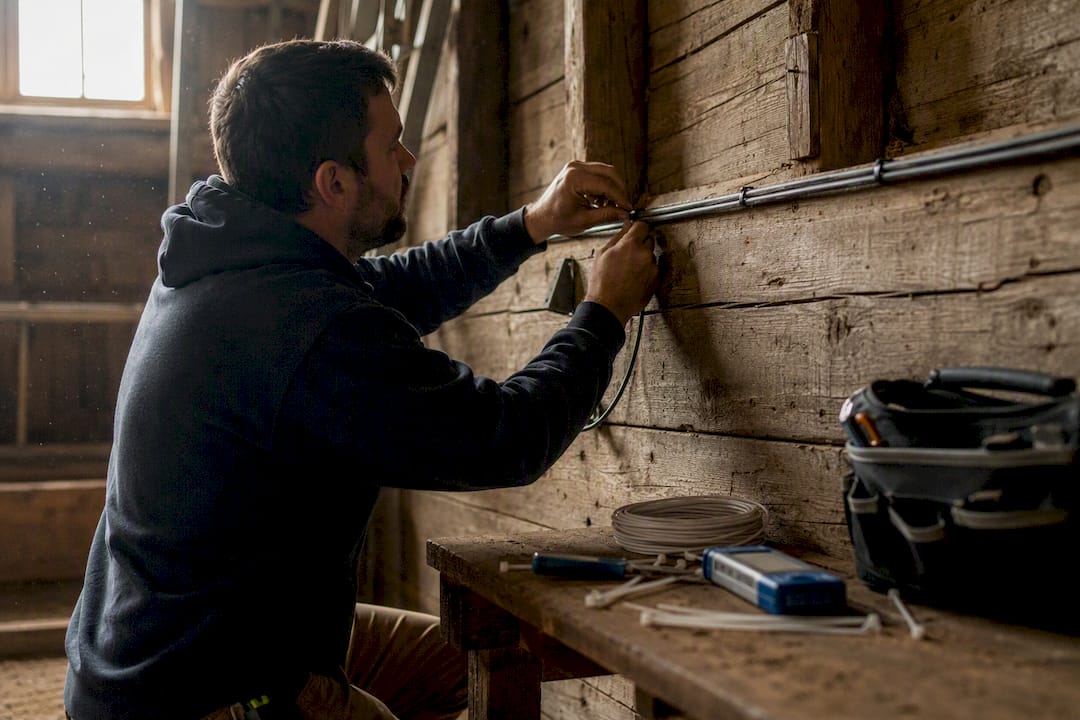
- Build the comms rack properly: surge protection, a dedicated circuit, correct grounding, and cable routes that don't run through areas exposed to rodents or livestock.
- Design the internal network with managed switches, VLANs separating camera and telemetry traffic from general Wi-Fi, and QoS rules that protect telemetry uploads during peak farm activity.
- Extend Wi-Fi to outbuildings and the workshop with proper access points rather than a string of cheap extenders.
- Run commissioning tests: sustained throughput during peak load, jitter, automatic failover to backup connectivity, and a coverage map of every yard and shed.
Pro Tip: Test your sky arc in the season with the heaviest foliage, not the day you happen to be standing there with a compass. A dish that's clear in July can be half blocked by January.
Good network design and structured cabling is what separates a farm that never thinks about its internet again from one that's constantly troubleshooting drops.
Can Starlink Work on Moving Farm Equipment?
Stationary Starlink kits are built to sit still. Bolt one to a tractor roof expecting seamless coverage across a moving vehicle and you'll get intermittent service at best, because the standard hardware is engineered for a fixed sky view, and most kits on the market are designed and sold for stationary use.
Starlink Mobility exists specifically for this problem, and Australian farmers have already put it to real use: growers have mounted on-the-move kits to tractors to create a working Wi-Fi bubble around the machine during variable-rate seeding operations where cellular coverage was too patchy to trust. Local suppliers like Connected Farms now package mobility kits specifically for this market.
- Stationary Starlink at the farmstead for the office, sheds, and fixed sensors.
- Starlink Mobility or cellular hotspots for machinery actually moving through paddocks.
- A hybrid setup, farmstead Starlink as the backbone, cellular in-cab for equipment, covers almost every real farm scenario better than trying to force one system to do both jobs.
What Does Starlink Cost for a Farm Setup?
Budget for hardware and installation as a one-time cost, then a recurring monthly plan on top. Standard kits sit at the lower end of Starlink's pricing tiers, with Priority and multi-dish setups costing more both upfront and monthly.
- Small farm, single office, light use: Standard plan, one dish, straightforward install.
- Mid-size farm with drones, cameras, and a workshop: Priority plan, professional install with a proper comms rack.
- Large or multi-site operation: Priority or Business plan across two or more dishes, plus cellular failover hardware.
Across the industry, Priority or multiple dishes are the standard recommendation once upload demand climbs from drone imagery or dense sensor networks, since the alternative is hitting data caps mid-season.
The return shows up in fewer truck rolls for equipment diagnostics, faster input decisions from real-time soil and yield data, and far less time lost to dropped calls with agronomists or technicians.
How Does Starlink Integrate With Farm Machinery Systems?
The clearest example of Starlink actually earning its keep on a farm is John Deere's JDLink Boost integration, which pairs Starlink connectivity with machine telemetry so equipment data syncs to the operations center in something close to real time, instead of waiting until the machine drives back into cellular range.
Not every farm system needs the same responsiveness. RTK GPS correction, which drives autosteer accuracy, needs low jitter delivered to a fixed base station, and Starlink's typical 20 to 60 millisecond latency handles that reasonably well. In-field RTK corrections on moving equipment, though, still tend to run more reliably over cellular-connected field modems, because the dish itself stays put at the farmstead rather than tracking the machine.
- Low-latency priority: RTK base station links, live video calls, remote diagnostics.
- Tolerant of delay: batch telemetry uploads, drone imagery, cloud backups.
- QoS should rank telemetry and RTK traffic above general browsing on the same network.
What Goes Wrong With Farm Starlink Setups?
Most farm Starlink problems trace back to a handful of repeat offenders: something physically blocking the sky, a storm knocking out signal for an hour, a power fault in the shed, or a data spike during harvest that nobody budgeted for.
- Check the sky view first. A tree that's grown three feet since installation is the most common cause of a sudden performance drop.
- Check the power supply and surge protector. Farm power circuits take more abuse than residential ones.
- Pull the router logs to see whether the drop is the dish losing signal or the internal network failing downstream.
- Check data usage against your plan tier, especially during planting or harvest.
- Test failover to confirm backup connectivity actually kicks in rather than assuming it does.
For anything mission-critical, running Starlink Priority as the primary connection with a cellular business plan as automatic failover through a dual-WAN router removes most of the downtime risk that a single-connection setup carries. A second dish covering a remote building is the next step up when one outage would otherwise take out your entire property's connectivity at once.
When Should a Farm Hire a Professional Starlink Installer?
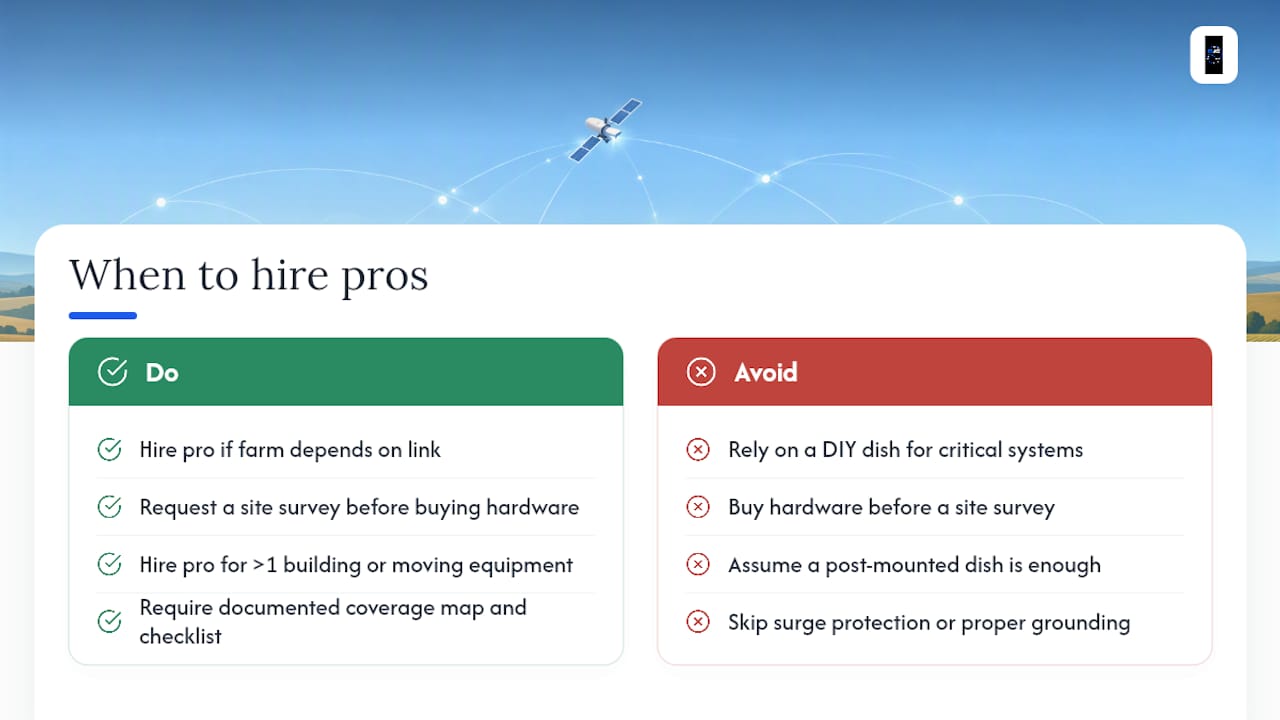
A DIY dish on a post works fine for a weekend shed or a low-stakes backup connection. It stops working the moment your farm depends on that link for telemetry, security, or remote diagnostics running around the clock.
A proper professional install covers a lot more than mounting a dish: sky arc mapping across seasons, a comms rack with surge protection and correct grounding, VLANs and QoS rules tuned for telemetry and camera traffic, and a documented coverage map handed back to you at the end, following the same commissioning checklist DJC Engineering runs on every job. If your setup involves more than one building, moving equipment, or systems you can't afford to have offline, request a site survey before you buy hardware, not after.
— Dylan
Get Your Farm's Starlink Installed Right the First Time
Djcengineering is the alternative to guessing your way through a DIY Starlink setup: instead of trial-and-error dish placement and a router bought off the shelf, you get a site survey, a properly engineered comms rack, and a network built to keep telemetry, cameras, and farm office traffic running without constant troubleshooting calls.

That matters most the moment your farm starts depending on connectivity for more than email, once drones, grain sensors, JDLink Boost telemetry, or remote CCTV are in the mix, a weak install turns into lost data and missed alerts. Beyond the Starlink connection itself, the team also handles the structured cabling and network design that determines whether that connection actually reaches every shed and sensor reliably, along with Wi-Fi coverage for outbuildings and CCTV and access control where farm security is part of the brief. If your property runs farm management software with offline sync needs, a platform like EquiBETS shows how the right connectivity setup supports tools built for exactly that kind of intermittent rural use.
Book a site survey through Djcengineering's connectivity page and get a plan sized to what your farm actually runs, not what a generic install guide assumes.
Sources
- Starlink Business | Agriculture
- Australian farmers use Starlink satellite internet kits to access agtech for grain sowing program — ABC
- Starlink for Farms: Complete Agriculture Connectivity Guide 2026