
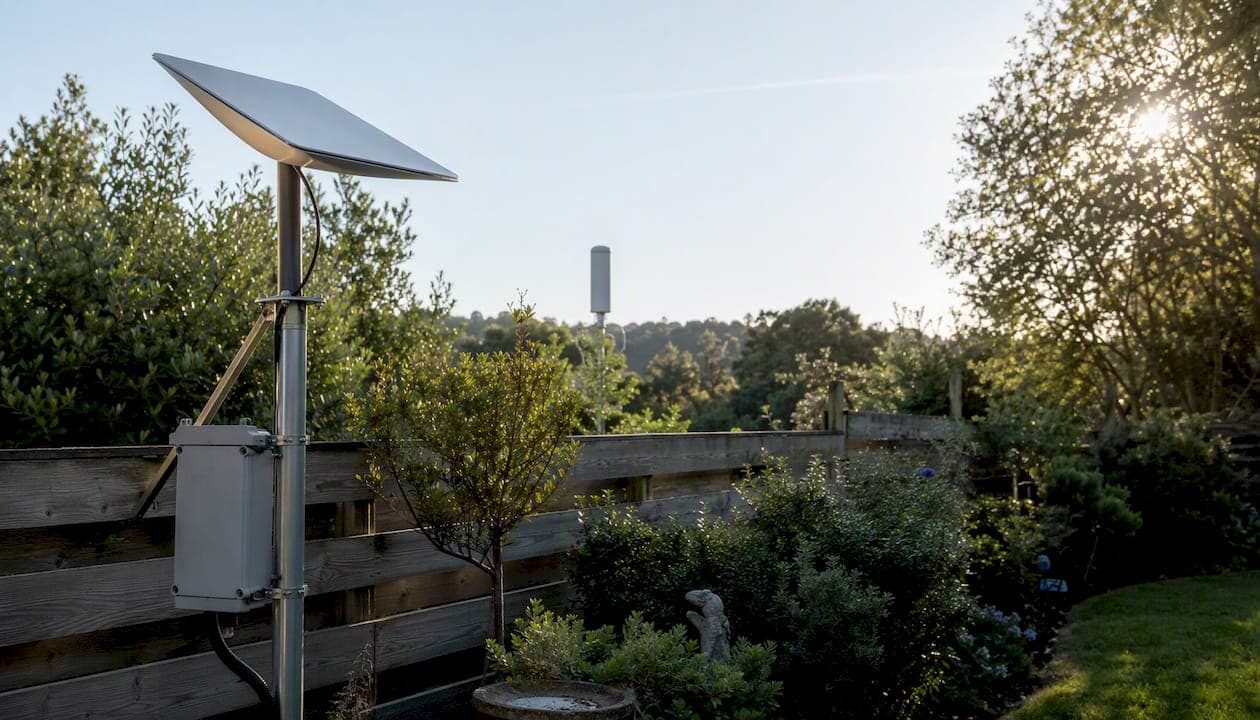
In Australia, 5G wins in urban and suburban areas where tower coverage is strong and latency matters; Starlink wins in regional, rural, and remote locations where 5G simply doesn't reach. For nomads, RV travelers, and business sites that can't afford downtime, running both as a dual-link setup is the most reliable architecture available. The core reason is structural: 5G depends entirely on terrestrial towers and their backhaul, while Starlink uses a low-Earth orbit (LEO) satellite constellation that covers most of the continent regardless of what's on the ground below.
- Urban/suburban: 5G is typically cheaper, lower latency, and faster where mid-band coverage is solid.
- Regional/rural: Starlink provides a consistent broadband baseline where 5G towers are sparse or absent.
- Nomad/RV/business backup: Starlink Roam or a dual-link failover design is the practical answer.
First test to run: Before committing to either, check your address against your carrier's 5G coverage map and run a Starlink obstruction scan at the exact installation point. Both checks take under ten minutes and will tell you more than any spec sheet.
Key Takeaways
In Australia, the right choice between Starlink and 5G comes down to one factor above all others: whether a usable 5G signal exists at your specific address, tested at peak hours, not just shown on a coverage map.
| Point | Details |
|---|---|
| 5G wins where coverage is strong | Mid-band 5G delivers 50–500 Mbps with tens of milliseconds latency and lower monthly costs than Starlink. |
| Starlink wins where towers don't reach | Typical Australian Starlink speeds of 80–200 Mbps provide a reliable baseline for rural and remote properties. |
| Dual-link is the business standard | Combining 5G primary with Starlink backup and automatic failover is the recommended architecture for mission-critical sites. |
| Test before you buy | Run on-site speed tests at 7 PM and a Starlink obstruction scan before ordering any hardware. |
| Djcengineering installs both | Accredited Starlink and 5G network installs across SE QLD with a 98% first-visit fix rate and no subcontractors. |
Table of Contents
- How do Starlink and 5G actually deliver internet to your home?
- Does 5G coverage or Starlink availability reach your address in Australia?
- What real-world speeds and latency can you expect in Australia?
- How does each technology fail, and what should you expect day to day?
- What does each option actually cost, and how much power does it draw?
- Which option fits your scenario? Urban, rural, nomad, and business use cases
- How do you decide at your property? A practical checklist
- What are the installation and regulatory requirements in Australia?
- When is a professional installer worth it for Starlink or 5G?
- What the install actually teaches you that no spec sheet will
- Djcengineering handles the site survey, install, and commissioning so you don't have to guess
- Sources
How do Starlink and 5G actually deliver internet to your home?
Starlink is a LEO satellite constellation operated by SpaceX. Your dish (the user terminal) connects to a satellite roughly 550 km overhead, which relays traffic to a ground gateway, then out to the internet. The whole round trip adds latency, but because the satellites are far closer than traditional geostationary satellites, that latency is measured in tens of milliseconds rather than hundreds.
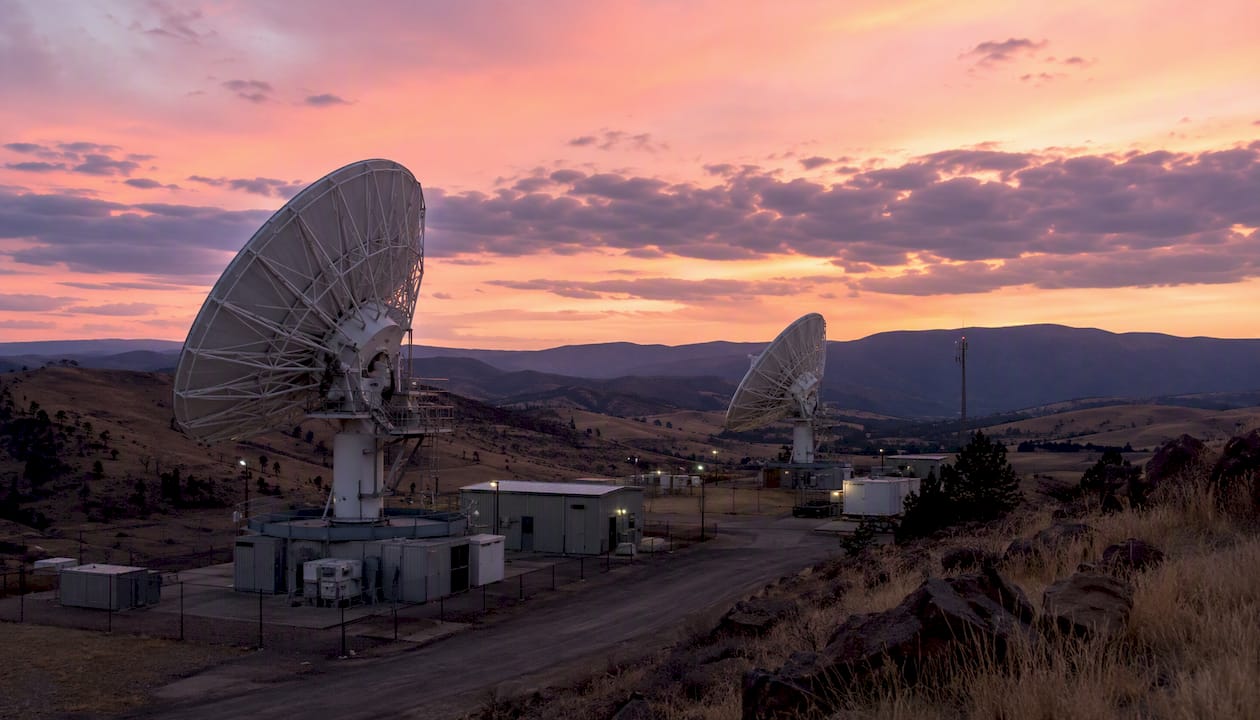
5G is a terrestrial radio network. Your device or home gateway connects to a nearby cell tower over licensed radio spectrum. That tower connects to the carrier's core network via fiber or microwave backhaul, then to the internet. Signal strength, tower load, and backhaul quality all shape what you actually get.
Key differences at a glance:
- Signal path: User terminal → LEO satellite → ground gateway → internet (Starlink) vs. device → cell tower → carrier core → internet (5G).
- Latency drivers: Starlink latency is shaped by orbital altitude and satellite processing; 5G latency is shaped by tower proximity, spectrum band, and backhaul congestion.
- Dependency points: Starlink needs a clear sky view and reliable power at the dish; 5G needs a tower within usable range and a functioning backhaul link.
- Variants: 5G comes as a home gateway (address-locked, fixed installation) or a mobile hotspot (portable, but subject to deprioritization). Starlink offers a residential tier (fixed address) and a Roam/portable tier for vehicles and travel.
Pro Tip: The "5G" label on a carrier coverage map can mean very different things. Low-band 5G (sub-1 GHz) travels far but delivers speeds closer to good 4G LTE. Mid-band 5G (2.5–3.7 GHz) is the sweet spot for home use. mmWave 5G (above 24 GHz) is fast but barely penetrates walls and is concentrated in a handful of CBD locations. Always ask which band your address actually receives.
Does 5G coverage or Starlink availability reach your address in Australia?
The honest answer: Starlink's coverage footprint across Australia is far broader than 5G's, but that doesn't automatically make it the right choice for every address.
Oz Broadband Review's speed comparison notes that 5G home wireless coverage is concentrated in metro and suburban corridors, along major highways, and in larger regional towns. Starlink, by contrast, offers near-national reach wherever you have a clear southern sky view and power for the dish.
| Coverage dimension | Starlink | 5G home internet |
|---|---|---|
| Metro/suburban availability | Available, but often not the best value | Strong (Telstra, Optus, Vodafone all active) |
| Regional towns | Available | Patchy — depends on carrier investment |
| Rural/remote properties | Available (primary use case) | Weak to absent in most areas |
| Moving vehicles/RVs | Starlink Roam tier supports this | Mobile hotspot works, but deprioritized on congested towers |
| Sky obstruction sensitivity | High — trees, rooflines, and structures cause dropouts | Low — signal travels through most building materials |
Coverage checklist for Australian readers:
- Visit each major carrier's coverage map (Telstra, Optus, Vodafone) and check your specific address, not just your suburb.
- Note which band is shown: look for "5G mid-band" or "5G 2.5 GHz" labels, not just a generic 5G color.
- Run the Starlink app's obstruction tool at the proposed dish location before ordering hardware.
- Check the ACCC's broadband performance reports for independent data on satellite service performance in your region.
- If you're on a rural property, ask neighbors within 5 km what they're actually getting, not what the map shows.
Pro Tip: Carrier coverage maps show theoretical reach, not guaranteed performance. The Australian competition regulator has noted that advertised coverage often overstates real-world usability, particularly at the edges of 5G cells. A five-minute drive test with a mobile hotspot on each carrier will tell you more than any map.
What real-world speeds and latency can you expect in Australia?
Theoretical maximums are marketing. What matters is what you get at 7 PM on a Tuesday when everyone in your street is streaming.
Oz Broadband Review reports that Starlink residential in Australia typically delivers download speeds with latency commonly in the tens of milliseconds range. 5G home wireless evening speeds vary widely depending on band and tower proximity.
The peak figures for 5G look impressive on paper. SpeedtestHQ's comparison data shows 5G can reach very high peaks, but real-world medians are substantially lower and heavily location-dependent. A MakeUseOf field test found 5G peaking at 429 Mbps in one location while Starlink delivered more consistent median speeds at a rural address where 5G coverage was marginal.
The practical takeaway: If your 5G signal is strong and mid-band, you'll likely beat Starlink on both speed and latency. If your 5G signal is weak or low-band, Starlink's 80–200 Mbps floor is the better daily experience.
How to run a fair speed test:
- Test at 9 AM, 1 PM, and 7 PM on a weekday. Evening results reveal congestion behavior.
- Use a wired connection to your gateway or router, not Wi-Fi, to isolate the link itself.
- Run three consecutive tests on Speedtest and take the median, not the best result.
- Select a server in your nearest capital city for consistent comparison.
- Record latency and jitter alongside download/upload figures.
How does each technology fail, and what should you expect day to day?
Every connection technology has a failure signature. Knowing yours in advance lets you plan around it rather than be surprised by it.
5G failure modes:
- Outside coverage: Drops to 4G LTE or no data entirely. No graceful degradation at the cell edge.
- Tower congestion: Evening speeds can collapse in dense suburban areas when too many users share a sector.
- Backhaul outages: If the tower's fiber or microwave backhaul fails, the whole cell goes down regardless of signal strength.
- Building penetration: Low-band 5G penetrates walls reasonably well; mid-band struggles with thick concrete or metal cladding.
Starlink failure modes:
- Sky obstructions: Trees, rooflines, and nearby structures cause brief but repeated dropouts. Even a small obstruction in the satellite path creates noticeable interruptions.
- Heavy rain and severe weather: Oz Broadband Review notes that Starlink performance is sensitive to severe weather, particularly heavy rain, which can attenuate the signal.
- Power dependency: The dish draws continuous power. Without a UPS or generator backup, any power outage kills your connection.
- Satellite congestion: Popular cells over dense suburban areas can see reduced speeds during peak hours as more users share the same satellite capacity.
Practical mitigations:
- For 5G: test an external antenna (such as a Poynting or Parsec unit) if indoor signal is weak. Many 5G home gateways support external antenna ports.
- For Starlink: use the obstruction tool before mounting. A roof peak or high-site pole mount often clears obstructions that a standard eave mount cannot.
- For both: a small UPS (uninterruptible power supply) keeps the gateway or dish running through brief power interruptions.
- For business users: configure automatic failover so traffic shifts to the backup link within seconds of the primary dropping.
Pro Tip: Business users should define their acceptable downtime threshold before choosing a single-link solution. If four hours of outage per month is unacceptable, a dual-link design with automatic failover is the only architecture that reliably meets that bar. Independent practitioners recommend combining 5G as primary with Starlink as an independent satellite backup for mission-critical sites.
What does each option actually cost, and how much power does it draw?
Reviews puts it plainly: 5G is usually cheaper and lower latency where coverage exists, while Starlink gives a predictable baseline where terrestrial networks are weak. The cost gap is real and worth quantifying before you commit.
The 2-year TCO figures above include hardware and 24 months of service at the plan ranges stated. Actual costs vary by plan tier and any promotional pricing carriers offer.
Power and portability notes:
- Starlink's ~50–75W draw matters on an off-grid solar system. A typical 200Ah battery bank can run the dish for roughly 30–40 hours without solar input, but that math changes fast if you're also running a fridge and lights.
- Satelliteinternet highlights Starlink Roam as the practical choice for RVs and boats, where address-locked 5G home services simply don't apply.
- 5G mobile hotspots are portable but typically carry lower data priority than home wireless plans on the same network, meaning they're more likely to be throttled during congestion.
Which option fits your scenario? Urban, rural, nomad, and business use cases
The right answer depends almost entirely on where you are and what you're doing.
| Scenario | Best pick | Main trade-off | One-line reason |
|---|---|---|---|
| Urban/suburban home | 5G home internet | Higher monthly cost than NBN | Strong mid-band coverage, low latency, cheaper hardware |
| Regional home | Test both first | Coverage varies by carrier | Mid-band 5G may reach; Starlink is the fallback |
| Rural/remote property | Starlink | Higher upfront and monthly cost | 5G towers simply don't reach most rural addresses |
| Nomad/RV/boat | Starlink Roam | Power draw and hardware cost | Address-locked 5G home services don't travel |
| Small business (urban) | 5G primary + Starlink backup | Dual-link cost | Failover design protects against single-link outages |
| Small business (rural) | Starlink primary + 4G backup | Cost and power | Starlink provides the only viable high-speed option |
| Temporary/event site | Starlink Roam or portable | Setup time | Deploys anywhere with sky view; no tower dependency |
A few scenario-specific notes worth calling out:
Small businesses with uptime requirements shouldn't rely on a single link regardless of technology. A 5G outage caused by tower maintenance or a Starlink dropout during a storm can both kill productivity at the worst moment. The recommended architecture for business sites is 5G as primary (where signal is strong) with Starlink as an independent satellite backup and automatic failover.
For nomads, the Starlink Roam tier is genuinely useful but the power draw is a real constraint on smaller solar setups. A 5G mobile hotspot is lighter and cheaper to run, but its reliability on the road depends entirely on which carrier's network you're on and how congested the towers are along your route.
How do you decide at your property? A practical checklist
Don't buy hardware based on a coverage map alone. Run these steps at the actual address first.
Recommended sequence:
- Coverage check: Visit Telstra, Optus, and Vodafone coverage maps. Note the band shown at your address. If only low-band 5G shows, treat it as 4G-equivalent for planning purposes.
- On-site 5G speed test: Insert a SIM from each carrier into a mobile hotspot or phone. Run three speed tests at 7 PM. Record download, upload, and latency.
- Starlink obstruction scan: Download the Starlink app and run the sky obstruction tool at the proposed dish location. Any obstruction above 5% will cause noticeable dropouts.
- Power availability check: Confirm you have a suitable power point within cable reach of the dish location, or plan for a weatherproof outdoor power run.
- Backhaul confirmation: Ask your 5G carrier whether the tower serving your address uses fiber or microwave backhaul. Microwave backhaul is more susceptible to weather-related outages.
- Installation feasibility: Assess roof pitch, access, and any strata or council restrictions on external antenna mounts.
Questions to ask providers and installers:
- Which 5G band does my address receive, and what is the typical evening speed at this tower?
- Is the 5G home wireless service address-locked, and what happens if I move?
- What is the Starlink service availability status at my address (waitlist, active, or congested cell)?
- For a professional install: do you provide a documented site survey and signal map, or just a standard mount?
Red flags:
- A carrier quoting theoretical maximum speeds without disclosing typical evening speeds.
- An installer who won't run an obstruction check before quoting a Starlink mount location.
- Any quote that doesn't specify cable routing, weatherproofing, or commissioning testing.
- Vague answers about backhaul type or tower congestion levels in your area.
What are the installation and regulatory requirements in Australia?
Quick checklist before you start:
- Starlink requires a clear sky view (check obstruction score in the app), a power source at the dish, and a cable run to your router location.
- 5G home wireless services from Telstra, Optus, and Vodafone are address-locked. You cannot take the gateway to another address and expect the same service tier.
- Roof mounts in Southeast Queensland may require building owner approval (for strata or body corporate properties) and should comply with AS/NZS 3000 wiring rules for any electrical work involved.
Installation timelines:
- Starlink hardware ships within a few days to a few weeks depending on stock. Self-install is possible for straightforward single-story homes with clear roof access. A professional install on a two-story or commercial building typically takes half a day to a full day.
- 5G home wireless gateways are usually available same-day or next-day from carrier stores. Activation is typically immediate or within 24 hours.
- For a dual-link failover setup, allow additional time for router configuration, failover testing, and documentation.
Regulatory pointers:
- The ACCC measures and publishes satellite broadband performance data for Australian consumers. Check their reports before accepting a provider's performance claims at face value.
- Carrier coverage maps are not regulated performance guarantees. The ACCC has noted that advertised coverage can overstate real-world usability.
- For roof-mounted antenna structures in SE QLD, check with your local council if the mount exceeds standard antenna height thresholds. Most residential Starlink mounts fall well within permitted development rules, but commercial high-site mounts may need a development application.
Pro Tip: A professional site survey before installation is the single step most likely to prevent a costly re-do. The survey identifies obstruction issues, cable routing challenges, and power constraints that aren't visible from a coverage map or a quick walk around the property. For a rural Queensland deployment, a site survey often reveals that the obvious dish location has a 15% obstruction score while a pole mount 20 meters away scores under 2%.
When is a professional installer worth it for Starlink or 5G?
The short answer: whenever the installation is more complex than a single-story home with clear roof access, or whenever the connection is carrying business-critical traffic.
Specific situations where professional help pays for itself:
- Complex rooflines, two-story or multi-story buildings, or commercial premises where cable routing requires conduit, penetrations, or comms rack termination.
- Dual-link failover setups where a managed router needs to be configured, tested, and documented.
- Rural properties where a high-site pole mount is needed to clear tree lines or terrain.
- Small businesses that need a structured cabling and managed network rather than a consumer plug-and-play setup.
- Any site where the internal Wi-Fi distribution needs to match the external link capacity.
Djcengineering carries out accredited Starlink and NBN installations across Southeast Queensland with a high first-visit fix rate, using no subcontractors. A typical engagement includes a documented site survey, antenna placement assessment, cable routing and termination, router and failover configuration, and a commissioned network with tested throughput figures.
For a rural property example: a hobby farm outside Brisbane with no viable 5G coverage received a Starlink dish on a 6-meter high-site pole mount, clearing a tree line that gave the standard eave position a 22% obstruction score. The result was a consistent 150+ Mbps connection with a 4G backup SIM router configured for automatic failover. The entire job, including the pole, cabling, and network commissioning, was completed in a single visit.
Practical outcomes from a professional install:
- Documented signal maps and obstruction scores for the chosen mount location.
- Tested failover behavior with confirmed switchover times.
- Structured cabling that supports future upgrades without re-running cable.
- A professionally designed internal Wi-Fi network that distributes the external link capacity throughout the building.
What the install actually teaches you that no spec sheet will
Geography decides the winner far more often than marketing does. A property 40 km from Brisbane can have no usable 5G and a Starlink obstruction score that rules out three of the four obvious dish locations. The spec sheets for both technologies look fine on paper. The site tells a different story.
The most common mistake is ordering hardware before running the obstruction check. Customers regularly receive a Starlink kit, mount it on the nearest eave, and then wonder why they're getting 60% of the advertised speed. The dish is looking at a roofline for 30% of its sky view. Moving it to a pole mount or a roof peak fixes the problem immediately, but now there's a second cable run and a return visit.
The second most common mistake is treating a 5G coverage map as a guarantee. A property shown as "5G covered" by a carrier map can deliver 8 Mbps at 7 PM if the tower is overloaded and the backhaul is microwave. Testing at the address, at peak hours, with the actual SIM you plan to use, is the only honest way to know.
Djcengineering handles the site survey, install, and commissioning so you don't have to guess
Getting the wrong technology installed at a property costs more than the hardware. It costs the time to diagnose, re-scope, and re-install. Djcengineering offers a straightforward alternative: a site survey that identifies the right solution before any hardware is ordered, followed by a fixed-scope professional install with no subcontractors and a 98% first-visit fix rate.

Services cover accredited Starlink installation, structured cabling, managed network commissioning, dual-link failover configuration, and business-grade Wi-Fi design across Southeast Queensland. Whether you're connecting a rural property for the first time, upgrading a small business to a resilient dual-link setup, or deploying a managed connectivity solution that integrates Starlink, 5G, and internal networking, the process starts with a documented site survey and a fixed-scope quote with no surprises.
Djcengineering and know exactly what you're getting before a single cable is run.
Sources
These sources were selected for their independence, Australian focus, or regulator authority. They are the most reliable starting points for coverage checks, performance data, and technical guidance.
- ACCC — Broadband performance of satellite services measured for the first time
- Australian Internet Speed Comparison: NBN, 5G, Starlink and More (2026) - Oz Broadband Review
- Reviews
- Starlink vs 5G: Best Rural Internet in 2026
- Satelliteinternet
- Starlink vs 5G Home Internet comparison - SpeedtestHQ
- Starlink Mini vs 5G: was not the simple comparison I expected - MakeUseOf
Recommended
- Starlink: High-Speed Internet Guide for Rural QLD | DJC Engineering
- Starlink Brisbane: Overcoming Urban Connectivity Gaps with Professional Engineering | DJC Engineering
- Professional Starlink Installation: A Step-by-Step Engineering Guide for SE QLD | DJC Engineering
- Professional WiFi Design & Installation: Engineering Seamless Connectivity in SE QLD | DJC Engineering