
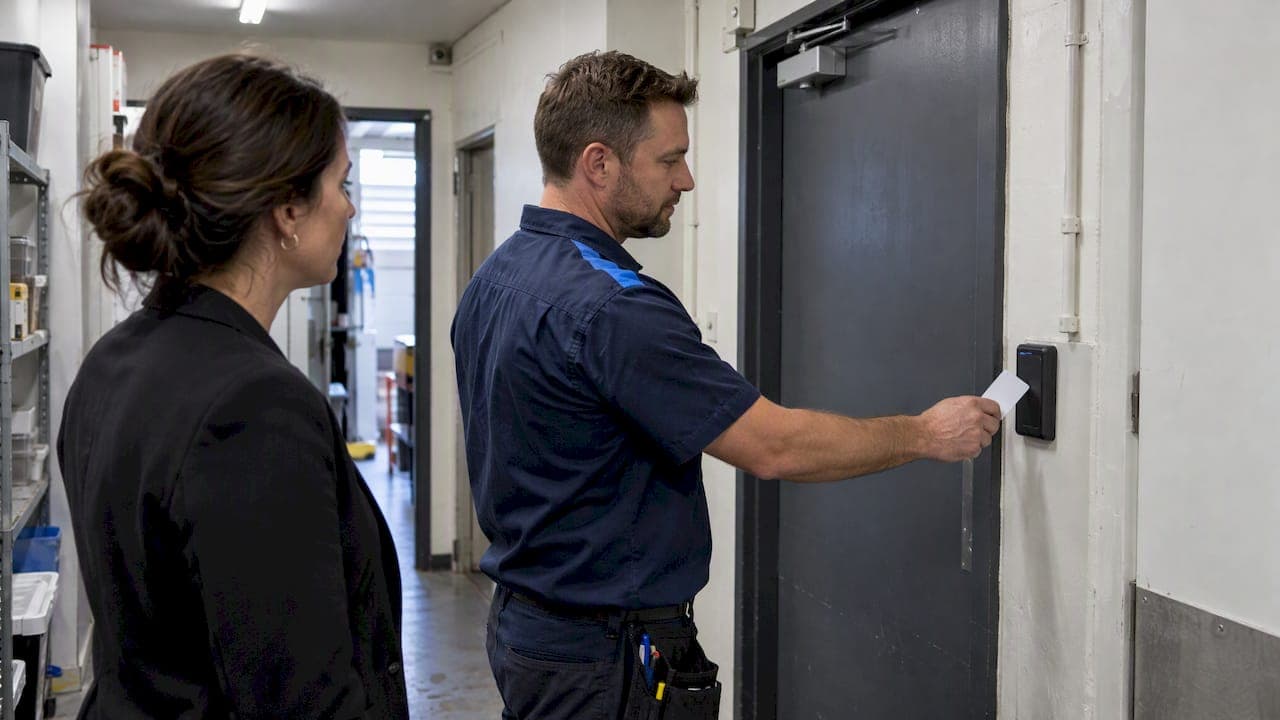
For most small businesses, the right setup is role-based access control on a cloud-managed controller, paired with card or fob credentials rather than biometrics. This gives you remote administration, a clear audit trail and room to grow without ripping out hardware later. Skip fingerprint or facial recognition readers unless you have a documented legal reason and advice to back it. The next step is simple: book a site survey or request a scoped quote before you buy anything.
TL;DR:
- Cloud-managed controllers with role-based access control and card or fob credentials are recommended for small businesses to enable remote management and clear audit trails.
- The choice of credentials impacts administrative burden and log accuracy, with cards and fobs offering quick revocation and precise user attribution.
- Proper site scoping for doors, power, cabling, and compliance is crucial to ensure smooth installation and avoid costly rework or hardware failure.
- Installing integrated systems that include CCTV and alarms enhances incident investigation by correlating access events with video and sensor data.
- Small businesses should avoid biometric systems unless legally justified, as they involve sensitive data and strict privacy regulations.
Table of Contents
- Why RBAC on a cloud-managed controller is the practical default
- Choosing credentials and scoping the door hardware
- A step-by-step checklist for installation and commissioning
- Privacy rules and why biometrics deserve caution
- Running access control alongside CCTV and alarms
- What to budget and how long the project takes
- What years of installs have taught us
- How DJC Engineering can help you get this right
- Where to go for deeper detail and the official rules
- Sources
- FAQ
Why RBAC on a cloud-managed controller is the practical default
Role-based access control, or RBAC, assigns door permissions to a role like "retail staff" or "after-hours cleaner" rather than to each person individually. When someone joins or leaves, you change their role assignment instead of rebuilding a custom permission list, which is where most per-person systems get messy and error-prone.
A cloud-managed controller adds the administrative layer that makes RBAC usable day to day. You manage users from a browser or phone, pull event logs when something goes wrong, and add or remove access without a technician visiting site.
A standalone keypad or reader can work for a single door with one or two staff and no need for reporting. It becomes a liability once you add doors, staff turnover or after-hours contractors, because there is no central log and no way to revoke a lost card remotely.
- RBAC groups permissions by role, not by individual, cutting admin work as staff turn over.
- Cloud management gives remote user changes, event logs and mobile or browser access.
- Standalone readers suit one door and minimal staff, but lack auditing as the business grows.
Choosing credentials and scoping the door hardware
Your credential choice decides how much admin work you carry and how good your logs are. Cards and fobs let you revoke a lost credential instantly and tie every entry to a named person in the log, which matters if you ever need to review an incident. PINs are cheap and easy to distribute, but a shared PIN cannot tell you who actually opened the door, so treat them as a backup factor rather than the main credential. Mobile credentials offer convenience for tech-comfortable teams but depend on phone battery and app reliability, which can frustrate staff during a busy shift. Biometric readers raise legal obligations covered in the next section, so they are rarely the first choice for a small site.
The credential is only half the job. The door itself needs scoping: strike type, frame condition, a viable path for cabling, power or PoE availability, and whether the door still meets egress requirements once you've added an electronic lock.
- Cards and fobs give fast revocation and clear attribution in logs.
- PINs work as a secondary factor or temporary access, not a primary credential.
- Mobile credentials add convenience but rely on staff phones and app uptime.
- Door hardware checklist: strike type, frame condition, egress compliance, power or PoE availability, and cable routing.
Pro Tip: Get the door hardware and cabling assessed before you commit to a reader brand. A great reader on a weak frame or an underpowered cable run will fail commissioning.
A step-by-step checklist for installation and commissioning
Use this checklist when comparing quotes or briefing an installer, so nothing gets missed between the sales conversation and the finished system.
- Site survey: assess Wi-Fi or mesh coverage, door construction, cable routes and available comms space.
- Network and cabling design: confirm PoE budget, managed switch capacity, VLAN separation for security traffic, rack space and UPS backup.
- Controller setup: install the controller, create roles, import users and set schedules.
- Test scenarios: trial normal entry, denied entry, forced-door alarms and lockdown before going live.
- Integration testing: confirm the access system talks to CCTV and alarms, with synchronized timestamps.
- Handover: receive documentation, admin training and a written maintenance or support agreement.
A professionally scoped site survey documents cable paths, switch ports, backup power needs and whether a comms rack upgrade is required, all of which affect the final quote.
Pro Tip: Ask any installer to walk you through the test scenarios before sign-off, not just a single successful card swipe.
Privacy rules and why biometrics deserve caution
Biometric data such as a fingerprint or face scan is treated as sensitive personal information under the Privacy Act, and the OAIC's guidance on biometric scanning states that organizations covered by the Act must generally obtain consent and apply strong privacy protections before collecting or using it.
Biometric information is treated as sensitive personal information under the Privacy Act, requiring strong protections, informed consent and a detailed risk assessment before deployment.
The Privacy Commissioner's statement following the Bunnings decision set a high bar for lawful facial recognition use, requiring documented necessity, data minimization and real governance, not just a working scanner. The OAIC's broader guidance on facial recognition in retail reinforces that these systems are highly privacy-invasive and need strong justification before rollout.
The Privacy Act covers organizations with annual turnover over $3 million, along with government agencies and some smaller entities, which is a threshold worth checking against your own business before assuming the rules do not apply to you.
For most small premises, a card or PIN system avoids this regulatory exposure entirely. If biometrics still seem necessary, run a privacy impact assessment, document why less invasive options won't work, and get legal advice before you buy hardware. A partner resource on data sovereignty and privacy governance is useful background if biometric or cloud data residency questions come up during that assessment.

Running access control alongside CCTV and alarms
Access control on its own tells you who opened a door. Paired with CCTV and alarms, it tells you what actually happened, because you can match a badge swipe to camera footage and an alarm event in the same timeline. That correlation speeds up investigations and gives you defensible evidence if an incident ends up in front of insurers or police. Accurate time synchronization across all three systems matters here: logs that drift out of sync undermine the record you're trying to build.
The technology only works if the process around it does too. Decide who can approve new access, who issues and revokes credentials, and how leavers get removed on their last day rather than weeks later. Build in a habit of reviewing denied-entry attempts and running a periodic access review, so dormant credentials get caught before they become a gap.
- Correlating access logs with CCTV and alarms speeds up investigations and strengthens evidence.
- Assign clear approval authority for new credentials, separate from whoever issues them.
- Build leaver revocation into offboarding, not as an afterthought.
- Schedule periodic access reviews to catch dormant or misused credentials.
Integrated access control installs often include site surveys, structured cabling, CCTV with AI capability and comms rack commissioning, detailed further in a guide to combining access control with CCTV.
What to budget and how long the project takes
A typical small-business install runs through five phases: site survey, design, cabling, hardware installation and commissioning. Survey and design usually happen first and set the scope for everything after; cabling and hardware installation are the longest physical stages, and commissioning, where roles, logs and integrations get tested, comes last.
Cost is driven less by the reader hardware itself and more by what surrounds it.
- Door modifications and locksmith work on old or misaligned frames.
- The number of doors and readers you're securing.
- Structured cabling runs, especially in buildings without existing conduit.
- Integration work with CCTV and alarms.
- Ongoing management or subscription fees for the cloud platform.
Ask for a fixed-scope quote rather than a rough estimate, and make sure it includes a line item for maintenance and support, not just the initial install. Details on commercial door-hardware scoping are covered in a guide to commercial access control installation.
What years of installs have taught us
The surprises are rarely the access control system itself. It's the door frame that needs a locksmith, the Wi-Fi that doesn't reach the back entrance, or the power point that was never run to where the reader needs to sit. A scoped site survey and cabling done properly the first time cost less than a callback six months later.
Before signing off any install, insist on three things: a written test of every door scenario, a login you can use without calling support, and a maintenance agreement in writing.
— Dylan
How DJC Engineering can help you get this right
Planning an access control system without an installer who scopes the whole job, not just the reader on the wall, usually means paying twice: once for the install, and again to fix what got missed. Professional installers design, install and commission access control as a complete system, not just a box on the door.

That means one accredited team handling the access control and intercom design, the structured cabling and network setup behind it, the Wi-Fi or mesh survey that confirms coverage at every reader, and CCTV integration where you want event correlation and verified footage. Every job comes with a scoped quote, single-contractor delivery with no subcontractors passing the buck, and a documented handover so your team knows how to run the system from day one.
- Access control design and installation, scoped to your doors and hardware.
- Structured cabling and network setup to support PoE readers and controllers.
- Wi-Fi and mesh site surveys to confirm coverage where credentials are checked.
- CCTV integration for event correlation and audit trail support.
If you're ready to move past guesswork, get a scoped quote through our CCTV, alarms and access control page and start with a proper site survey.
Where to go for deeper detail and the official rules
For the regulatory side, the OAIC's pages on biometric scanning and the Bunnings facial recognition decision are the primary sources to check before any biometric deployment. For running the people side of access control well, this user access review process guide walks through approval workflows in more depth.
- OAIC guidance on biometric scanning and facial recognition risk.
- Partner guide on running structured user access reviews.
- DJC Engineering technical posts on installation and CCTV integration.
FAQ
What is the best access control system for small businesses?
For most small businesses, a cloud-managed controller running role-based access control with card or fob credentials offers the best balance of security and simplicity. It allows remote user management, clear audit logs and room to add doors or sites without replacing the system.
What are the four types of access control?
Common models include role-based access control, where permissions attach to a job role, discretionary access control, where an owner sets permissions per user, mandatory access control, which enforces fixed rules from a central authority, and rule-based access control, which applies conditions like time of day. Small businesses most often use a role-based approach for its lower admin workload.
What is the best security system for a small business?
The strongest setup combines access control with CCTV and alarms so that door events, footage and alerts sit on one timeline for faster investigations. DJC Engineering builds these as integrated systems, including NYX security camera and Ajax alarm installations, rather than as separate purchases.
What should I check before choosing an access control vendor?
Ask whether they include a site survey, how they handle door hardware and cabling, and whether the quote covers commissioning, training and ongoing support, not just equipment. Also confirm how credential issuance, revocation and access reviews are managed once the system is live.
Are biometric access systems legal for small businesses?
Biometric data is sensitive information under the Privacy Act, and the OAIC's guidance requires consent and strong privacy protections before use, with obligations applying to most organizations over $3 million in turnover. Many small businesses avoid the added legal risk entirely by choosing card, fob or PIN credentials instead.
Recommended
- Access Control System Installation Brisbane: Engineering Secure Entry Points for 2026
- Integrating Access Control with CCTV in QLD: The Professional Guide
- Commercial Access Control Systems Gold Coast: A Technical Guide to Industrial Security
- Licensed Security Installer: What Homeowners & Businesses Must Check