
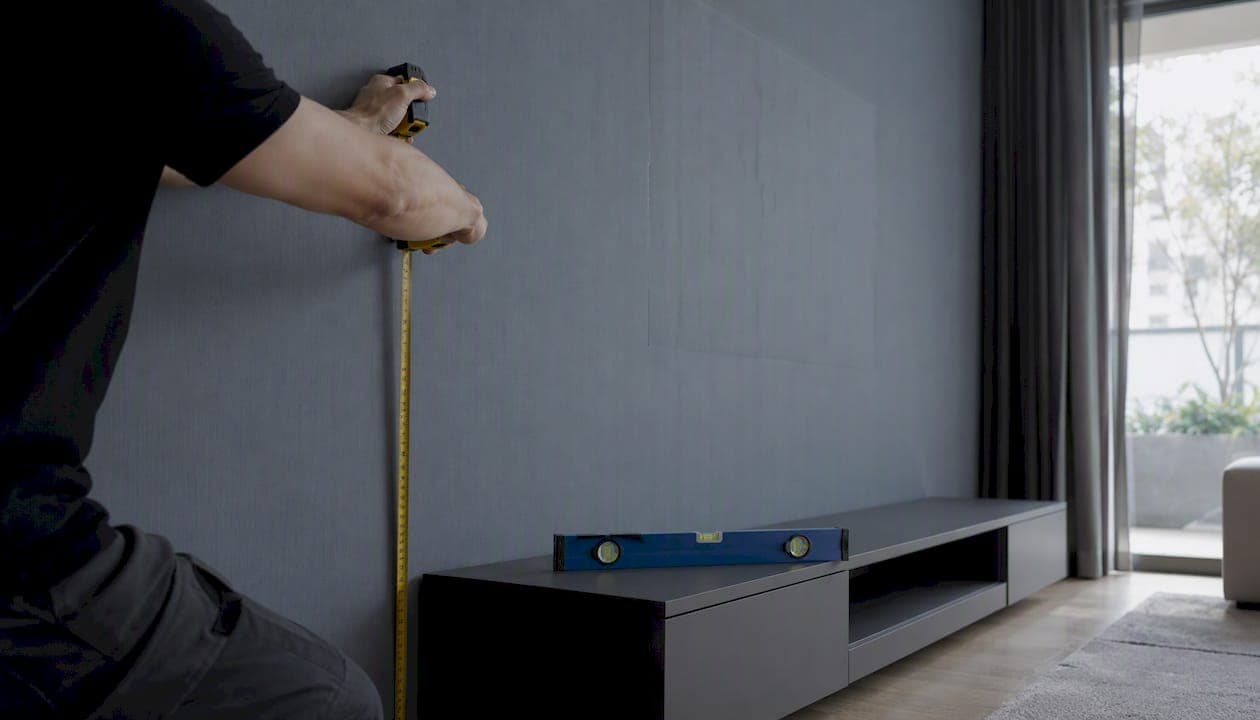
The center of your TV should sit at your seated eye level. For most living rooms, that lands the screen's center around 40 to 42 inches from the floor, though anywhere from 38 to 44 inches works as a flexible starting range for standard couches and chairs.
That baseline shifts depending on the room. A few common exceptions:
- Bedrooms: mount higher, typically more than in living rooms, since you watch from a reclined or lying position.
- Above a fireplace: the center usually climbs to 60 to 68 inches, which almost always calls for a tilting mount to angle the screen down and save your neck.
- Multi-seat rooms: you'll need to split the difference between sightlines from the couch and any chairs at a different height.
Mounting a TV too high is the single most common mistake homeowners make, and it's the one Wirecutter flags most often for causing chronic neck and shoulder strain.
Key Takeaways
The ideal TV mounting height centers the screen at your seated eye level, typically 40 to 42 inches from the floor, with adjustments for room type and TV size.
| Point | Details |
|---|---|
| Start with eye level | Measure your actual seated eye level rather than relying on the 42-inch average alone. |
| Center height beats bottom edge | Always calculate from the screen's center, not the bottom edge, especially on larger panels. |
| Fireplace mounts need tilt | Heights above 60 inches almost always require a tilting mount to protect your neck. |
| Test before you drill | A cardboard mock-up and a 15-minute sit-test catch problems no tape measure will. |
| Hire for complex installs | Djcengineering handles heavy TVs, fireplace mounts, and concealed cabling when the stakes are higher than a DIY fix. |
Table of Contents
- How to Calculate Your Ideal TV Mounting Height
- Suggested Mounting Heights by TV Size
- What Changes the Ideal TV Height
- Test Your Mounting Height Before You Drill
- Mounting Above a Fireplace: Height, Heat, and Clearance
- Installation Safety Checklist
- When Professional TV Mounting Makes Sense
- Sources
How to Calculate Your Ideal TV Mounting Height
Skip the guesswork. This takes about ten minutes and a tape measure.
- Measure your seated eye level. Sit in your usual spot, on your usual cushions, and have someone measure from the floor to the center of your eyes. Don't stand up to eyeball it. Cushions compress, posture changes, and a half inch here throws off the whole calculation.
- Find your TV's screen center. Measure the height of the screen itself, top edge to bottom edge, and divide by two. Ignore the stand entirely since it won't be part of the wall mount.
- Mark the wall. Your goal is simple: TV center height = seated eye level. From there, figure out where the actual mounting bracket needs to sit, since the bracket usually attaches somewhere behind the upper third of the screen rather than dead center.
Here's a worked example. Say you measure a seated eye level of 42 inches. A typical 65-inch TV has a screen that's about 32 inches tall, so half of that is 16 inches. To get the center at 42 inches, the bottom edge of the screen needs to sit at 42 minus 16, or 26 inches from the floor. The bracket mounting point, usually a few inches below the top edge, would land around 50 to 52 inches up.
If you're working in metric, that 42 inch eye level converts to roughly 107 centimeters, and the 65-inch TV's 32-inch screen height is about 81 centimeters.
For very large screens or dedicated home theater rooms, the SMPTE and THX field-of-view guidelines become more relevant than the simple eye-level rule. These standards focus on viewing angle rather than just height, recommending the screen fill a wide enough portion of your field of vision from your seating distance. At that point, viewing distance matters as much as mounting height.
Suggested Mounting Heights by TV Size
Once you know your seated eye level, these numbers give you a fast reference point. They assume a 42-inch center height, the professional baseline most installers start from, and standard 16:9 screen proportions.
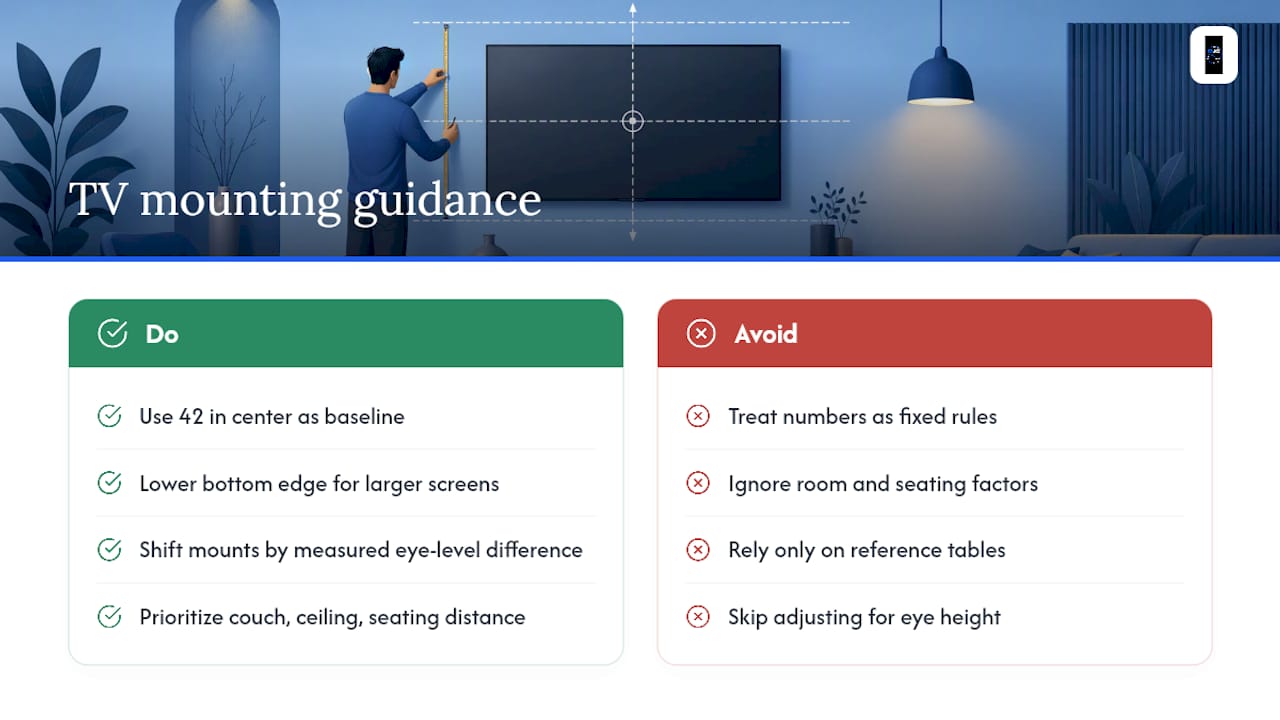
Notice the pattern: bigger screens need a lower bottom edge to keep the same center height, since more of the panel sits above that midpoint. These are starting points, not fixed rules. If your seated eye level measures 44 inches instead of 42, shift every row up by two inches. Your couch, your ceiling height, and your usual seating distance all matter more than any table.
What Changes the Ideal TV Height
The 42-inch baseline is a good default, not a law. Several things push it up or down:
- Sofa or seat height: a low modern sofa lowers your eye level; a tall recliner raises it.
- Recliners and beds: reclined viewing angles tilt your head back, which usually means mounting a few inches higher than the standing-eye-level instinct would suggest.
- TV size and viewing distance: larger screens viewed from farther back can sit slightly higher without straining your neck.
- Multiple seating lines: a sectional plus an armchair at a different height means picking a compromise height rather than optimizing for one spot.
- Glare from windows: sometimes the best height for comfort creates the worst glare, and shifting a few inches solves it faster than blackout curtains.
- Mantel or built-in constraints: aesthetic features can force a height that has nothing to do with sightlines.
Pro Tip: When comfort and symmetry conflict, comfort wins every time. A TV mounted slightly off-center on the wall but perfectly aligned with your eye level beats a perfectly centered TV that makes you crane your neck every movie night.
Test Your Mounting Height Before You Drill
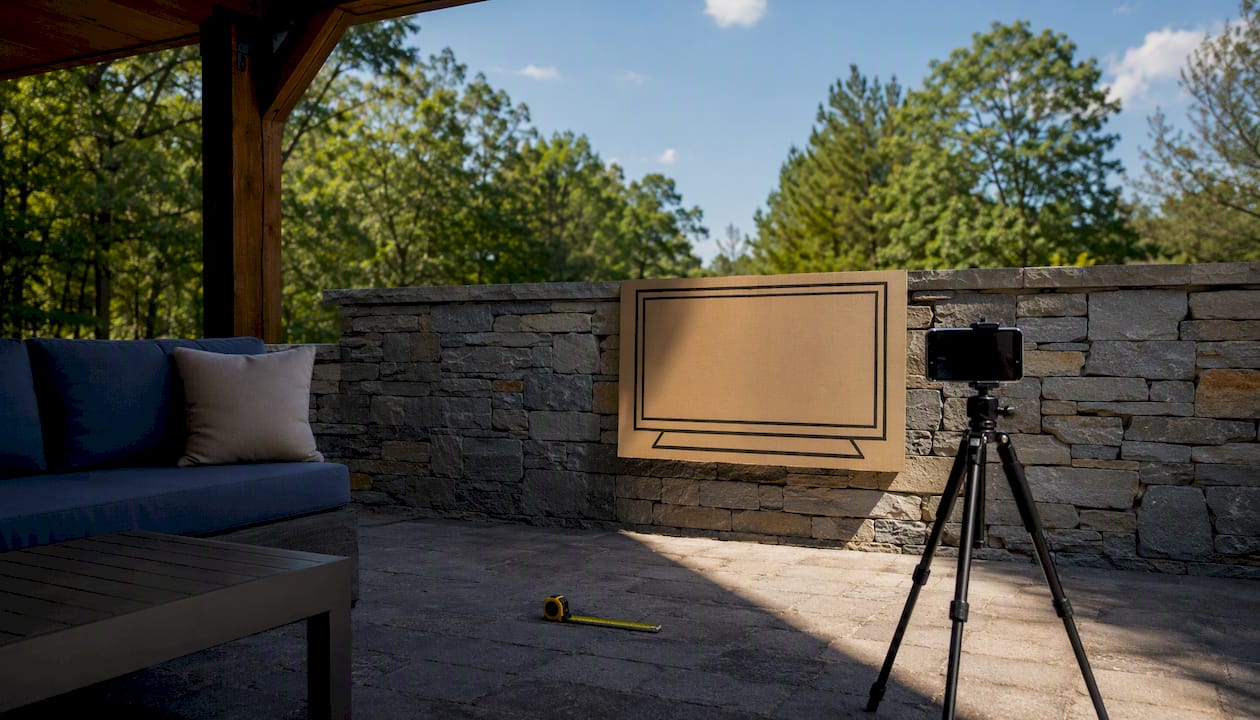
Don't trust a tape measure alone. A cardboard mock-up costs nothing and saves you from patching unnecessary holes.
- Cut a piece of cardboard to the exact width and height of your TV.
- Tape it to the wall at your calculated center height.
- Sit in your main viewing spot for 10 to 15 minutes, watching TV or scrolling your phone like you normally would.
- Check for neck strain looking up or down, and note if the height feels natural within the first minute or two.
If you have a multi-seat room, repeat the test from every seat that matters. When the ideal heights conflict, err slightly higher and rely on a tilting mount to correct the angle for the lower seats.
Pro Tip: Grab a helper and take a few photos from each seat during your test. A photo shows neck angle and window glare more honestly than your memory will an hour later.
Mounting Above a Fireplace: Height, Heat, and Clearance
Fireplace mounts break the eye-level rule almost every time. The mantel forces the TV center up to somewhere around 60 to 68 inches, well above most people's seated eye level, which is exactly why a tilting mount matters here more than anywhere else in the house.
Before you mount anything above a firebox, work through this checklist:
- Leave several inches of clearance between the top of the mantel and the bottom edge of the TV.
- Run the fireplace for its normal cycle, then check the wall temperature by hand near the mount location before installing.
- Maintain some clearance behind the TV for airflow, since heat trapped behind a flush-mounted panel shortens its lifespan.
- Consider a recessed niche or slide-out mount if you want a flush look with better ventilation and easier cable access later.
Pro Tip: A pull-down or pull-out mount lets you bring the TV to eye level for movie nights, then push it back up out of the way. It costs more than a fixed tilt mount, but it solves the height compromise completely instead of just softening it.
Installation Safety Checklist
Getting the height right means nothing if the mount fails. Before you drill:
- Find studs with a stud finder, and confirm whether you're mounting into drywall over timber studs or into concrete or brick, since each needs different hardware.
- Match your bracket's VESA pattern and weight rating to your TV's actual specs, not a rough guess.
- Plan cable routing before you hang the TV, not after.
- Leave enough ventilation clearance behind the panel, especially in a recessed or above-fireplace install.
Heavier TVs, tall single-stud installs, masonry walls, and anything above a fireplace are the scenarios where a DIY mistake gets expensive fast. If you'd rather have an accredited installer handle the bracket, cable concealment, and load rating, that's a reasonable call rather than a shortcut.
A Few Priorities Worth Remembering
Comfort beats structural symmetry, and structural safety beats both. Measure your actual seated eye level, run the cardboard test before you commit to a hole pattern, and don't underestimate what a $30 tilting bracket can fix. A few degrees of tilt often rescues a height compromise that would otherwise bother you every single evening.
When Professional TV Mounting Makes Sense
Some installs are simple enough for a Saturday afternoon and a stud finder. Others aren't, and knowing the difference saves you a cracked screen or a wall full of patched holes. Djcengineering is the alternative to guesswork and generic hardware for tricky mounts in South East Queensland: heavy panels, above-fireplace installs, recessed niches, and any job where concealed cabling matters more than a quick fix.

Djcengineering's installers work with accredited processes and a 98% first-visit fix rate, which matters most when a job involves masonry walls, tall single-point mounts, or a fireplace install where the heat check and clearance measurements have to be right the first time. Every job includes cable concealment, proper ventilation planning behind the panel, and documentation showing the work meets compliance standards, not just a mount screwed into whatever stud was closest.
If your TV is heading above a fireplace, into a recessed wall niche, or anywhere a mistake would be costly to fix, get a quote through Djcengineering's AV installation services and have it scoped properly before you pick up a drill.
Sources
- How High Should Your TV Be Mounted? | Reviews by Wirecutter
- How high to mount your TV | The Spruce
- TV mounting height calculator — Omni Calculator
- Installing a TV Above the Fireplace | HGTV
Recommended
- Professional Audio Visual Installation: The Engineering Approach to Integrated Systems | DJC Engineering
- CCTV Installation Gold Coast: The Technical Checklist for High-Performance Security | DJC Engineering
- Boardroom AV Setup for IT and Facilities Teams
- AV Installation: The Complete Guide to Integrated Audio-Visual Systems in 2026 | DJC Engineering