
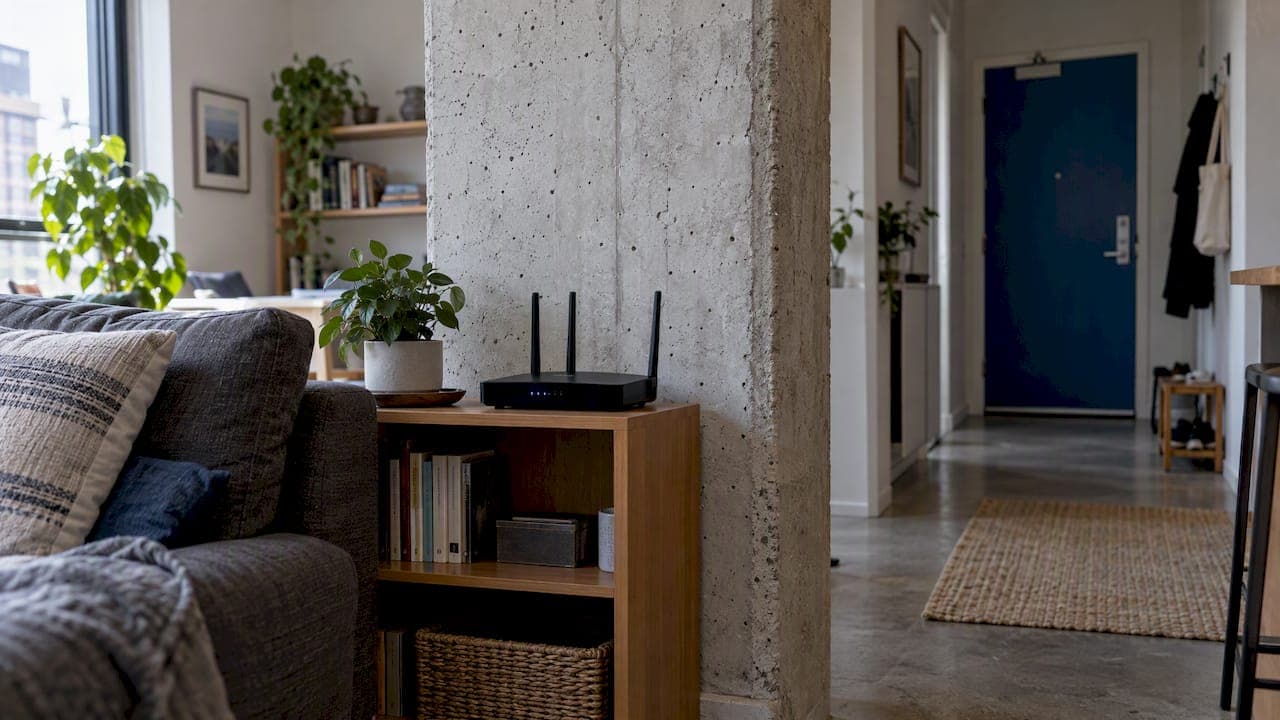
Wi-Fi does pass through concrete, but it comes out weaker and less predictable, and in an apartment that usually means a dead bedroom or a study that drops out. The most reliable fix is to stop asking the signal to cross the wall at all: put the router in a central, raised spot, then run Ethernet to a second access point or mesh node near the dead zone. This guide covers how to diagnose the problem first, which gear helps, which does not, and when a wired install is worth it.
TL;DR
- Concrete, especially reinforced concrete, weakens Wi-Fi substantially. How much depends on thickness, moisture, and steel, so no one can honestly promise a range in metres without measuring.
- Check the basics first: move the modem to a central, open, raised position and test the connection over Ethernet to rule out a provider or building fault.
- The best fix is a wired access point or mesh node connected by Ethernet. Wireless-only mesh and plug-in repeaters are second best and only work when they sit where the signal is still strong.
- 2.4 GHz travels farther through walls but is slower and more crowded in apartment blocks. 5 GHz is faster but fades quickly behind concrete.
- A site survey with measured signal beats guessing, and it stops you buying equipment you do not need.
Table of Contents
- Why concrete is so hard on Wi-Fi
- Check these first, before spending anything
- What works, ranked
- A worked example: two-bedroom unit, one concrete spine
- Rules and equipment in Australia
- Our perspective
- When to call an installer
- FAQ
- Sources
Why concrete is so hard on Wi-Fi
Wi-Fi is radio. Radio waves lose energy when they pass through material, and dense, wet, steel-reinforced concrete takes more than plasterboard does. In a 2024 experimental study, a concrete wall between an access point and a workstation cut the measured electric-field strength by 55.22% under the test conditions. That is a lab result, not a promise about your unit, but it shows the scale of the effect.
A separate 2024 modelling study of concrete and reinforced concrete found that configurations with more rows of reinforcement produced lower field intensity. In plain terms, "concrete wall" is not one condition. A thin internal wall with little steel behaves very differently from a structural wall or a lift core packed with rebar.
That is why you will see wildly different experiences online. One person says a mesh kit worked perfectly in their all-concrete flat. Another says nothing reaches the next room. Both can be true, because the wall, the layout, and the equipment placement all differ.
The two frequency bands behave differently
Most home routers broadcast on 2.4 GHz and 5 GHz. In concrete apartments, 2.4 GHz generally penetrates farther than 5 GHz, but it is slower and more vulnerable to crowded apartment spectrum. The 5 GHz band can deliver higher speeds nearby but loses coverage faster through dense walls. The 2024 study measured both bands, and nbn's apartment guidance is practical rather than numerical: central, elevated placement, line of sight, Ethernet, or mesh, instead of expecting one band to solve every room.

So if your phone shows full bars on 2.4 GHz but crawls, you are seeing the trade-off. Forcing everything onto 2.4 GHz is not a cure in a building where dozens of neighbouring networks share it.
Your neighbours are part of the problem
Apartment Wi-Fi failures are often a mix of wall attenuation and congestion from neighbouring networks. A stronger router cannot remove either. If the problem is worst at 7 pm and fine at 10 am, congestion is a likely suspect, and the fix is a better channel plan and access point placement, not more transmit power.
Check these first, before spending anything
Before you buy a thing, spend half an hour on diagnosis. It is cheap, and it stops you paying for mesh hardware when the fault is somewhere else.
- Move the modem. Put it in an open, central, raised position. nbn's guidance says not to tuck it in a cupboard, behind a TV, beside a fridge or microwave, near large mirrors, or on the floor. Metal doors, appliances and mirrors reflect or absorb signal.
- Test over Ethernet. Plug a laptop into the modem with a cable and run a speed test. If the wired result is poor, the problem is the service, the modem, the wall socket, or building cabling, not your Wi-Fi layout.
- Know your connection type. Many apartment buildings use FTTB. With fibre to the building, fibre ends in a shared communications room and existing building infrastructure reaches your unit. Poor coverage inside the apartment is a separate local-network problem. Our guide to NBN technology types explains how to tell which one you have.
- Map the dead spots. Walk the apartment with a signal app, at a busy time of day, and note where it falls away. Our 15 minute test for Wi-Fi dead spots walks through a method that uses real signal numbers.
- Check your plan. If wired speed is far below what you pay for, the issue may be the tier. See NBN speed tiers explained.
If the wired test is fine and only some rooms are bad, you have a coverage problem. Now the equipment question matters.
What works, ranked
| Option | How it handles concrete | Verdict |
|---|---|---|
| Router moved to a central, raised spot | Shortens the path and reduces the walls crossed | Always try first |
| Wired access point (Ethernet to each zone) | Wall is bypassed, so the signal starts fresh in each area | Most reliable |
| Mesh with Ethernet backhaul | Same benefit, easier roaming and management | Most reliable |
| Wireless-only mesh | Works if each node keeps a strong link to the one upstream | Next best |
| Plug-in repeater | Repeats whatever it receives, including a weak signal | Often disappointing |
| Powerline adapters | Depend on the building's wiring, which varies | Hit and miss |
| Stronger single router | Cannot fix both wall loss and congestion | Rarely the answer |
Wired access points and mesh with Ethernet
The best practical design is usually to avoid making Wi-Fi cross the concrete wall at all. Run Ethernet to a second access point or mesh node near the dead zone, and each area gets its own strong signal. nbn recommends Ethernet for fixed devices and professionally installed cabling for longer runs, and says Ethernet avoids the interference, reflection and absorption that Wi-Fi suffers. TVs, desktop computers and consoles should be wired where you can manage it. Wi-Fi is for phones, tablets and laptops.

In an apartment, the practical question is how to get a cable across a concrete wall or along the ceiling. Existing conduit, a ceiling void, a skirting route, or a core-drilled penetration are the usual routes, and in a strata building you may need approval before drilling or running cable through common property. Check your strata rules or building manager first.
Wireless mesh
Mesh succeeds through placement and topology, not transmitter power. NETGEAR's guidance on thick walls makes the key point: the upstream node must itself have a strong link, and Ethernet backhaul is valuable because it removes the concrete wall from the wireless path between nodes. If you put a satellite in the weak room, it will simply relay a weak connection. Place it partway, where signal is still good, such as in the room next to the router on the near side of the wall.
Our article on mesh backhaul options covers wired, dedicated wireless and shared backhaul in more detail.
Repeaters and extenders
A plug-in repeater is not automatically the best extender for concrete walls. It has to receive a good signal where it is installed, so putting it in the weak room repeats a weak connection. For a multi-room concrete layout, a mesh system or a dedicated wired access point is generally more suitable. Treat advertised coverage figures as a ceiling in open air, not a guarantee in your building.
Do not chase Wi-Fi 7 alone
Newer standards raise peak speeds, but they do not change how concrete treats radio. We cover this in Wi-Fi 7 mesh: why headline speeds will not fix poor coverage. Placement and wiring decide coverage. The standard decides the ceiling.
A worked example: two-bedroom unit, one concrete spine
Take a typical layout (illustrative, not a measured job). The NBN socket is in the living room at one end. A structural concrete wall separates the living area from the two bedrooms and study at the other end. The router sits on the floor near the socket, behind the TV.
- Step 1: Lift the router onto a shelf in an open spot. That alone may improve the living room and the nearest bedroom.
- Step 2: Test the far bedroom. If it is still weak, there are two concrete boundaries in the path.
- Step 3: Run a cable along a ceiling or skirting route to the hallway outside the bedrooms and mount an access point or mesh node there. Both bedrooms are now close to a strong source and the concrete spine is no longer in the path.
- Step 4: Wire the TV or desktop that matters most, and leave Wi-Fi for mobile devices.
The result depends on the building, but the logic holds: put the radio where the people are, and bring the connection to it by cable.
Rules and equipment in Australia
Wi-Fi equipment sold here must operate under ACMA arrangements. The ACMA's consultation on low interference potential devices covered radio LAN arrangements including 5 GHz and lower 6 GHz considerations, and the rules for particular 6 GHz modes can change, so check current ACMA information before buying anything that relies on them. Buy compliant Australian-market equipment rather than imported hardware with unknown radio settings. Our article on ACMA compliant, site-surveyed mesh Wi-Fi goes deeper on that point.
Our perspective
We install networks across South East Queensland, and the pattern in concrete buildings is consistent. People buy a bigger router, then a repeater, then a second repeater, and the bedroom still drops out. The cause is almost always that the wireless link is being asked to do a job a cable does better.
We scope, install and configure the whole job with our own licensed team, with no subcontractors, so the person who surveys your unit is the person who plans the cabling and sets up the access points. That matters in apartments, where the problem sits across several trades: the building's cabling, your modem, your cabling route, and the wireless layout. When one team owns all of it, there is no finger-pointing between a cabler and a Wi-Fi installer.
Our honest advice is to measure before you buy. A site survey with real signal data tells you whether you need one access point or three, or none because the fault is your modem. We would rather tell you that than sell you hardware. Where the answer is a wired access point, we use concealed cabling where the building allows it, so the install does not leave cables stuck along the walls.
— Dylan
When to call an installer
Do it yourself if your dead zone is one room, you can move the router, and a single wired or well-placed mesh node covers it. Call a professional when:
- You need Ethernet run through concrete, ceilings or common areas and want it concealed.
- You have several dead zones, a larger unit, or a multi-level layout.
- Your work from home setup needs reliable video calls, which is where a properly planned home office network pays off.
- You want cameras, access control or an intercom on the same network. Those run well over PoE cabling.
We design and install Wi-Fi and mesh systems, data cabling, wireless access points and PoE networks for homes, businesses and rural properties in South East Queensland. We will survey the space, tell you what it needs, and quote a fixed scope for the job. If you want to talk it through, start from our main site.
FAQ
Can Wi-Fi go through concrete walls?
Yes, but the signal is weakened substantially and unpredictably. Thickness, moisture, aggregate and steel reinforcement all change the result, so a wall that barely matters in one building can kill the signal in another. A survey of your actual unit is the only reliable way to know.
Does 2.4 GHz or 5 GHz work better through concrete?
2.4 GHz generally penetrates farther, but it is slower and often congested in apartment blocks. 5 GHz is faster at close range and fades faster behind dense walls. The better answer is usually to add an access point so that you are close to a strong 5 GHz signal in every room.
What is the best Wi-Fi extender for concrete walls?
A plug-in repeater is usually not it, because it can only repeat the signal it receives. A wired access point or a mesh node connected by Ethernet is more reliable. If you must go wireless, place the node where it still gets a strong signal from the router, not in the dead room.
Will upgrading my NBN plan fix weak Wi-Fi in some rooms?
Not if the problem is coverage. Test over Ethernet at the router first. If the wired speed is good, your plan is fine and the fix is inside the apartment. If the wired speed is poor, check the modem, the wall socket and your building's connection type with your provider.
Sources
- Experimental Assessment of the Effects of Building Materials on Wi-Fi Signal 2.4 GHz and 5 GHz
- Application of the FDTD Method to the Analysis of Electromagnetic Wave Propagation in Systems with Concrete and Reinforced Concrete
- Tips to optimise your apartment or town house internet set-up | nbn
- Tips to optimise your home internet set-up | nbn
- Fibre to the Building (FTTB) explained | nbn
- Best Mesh WiFi for Thick Walls | NETGEAR USA
- New arrangements for low interference potential devices | ACMA